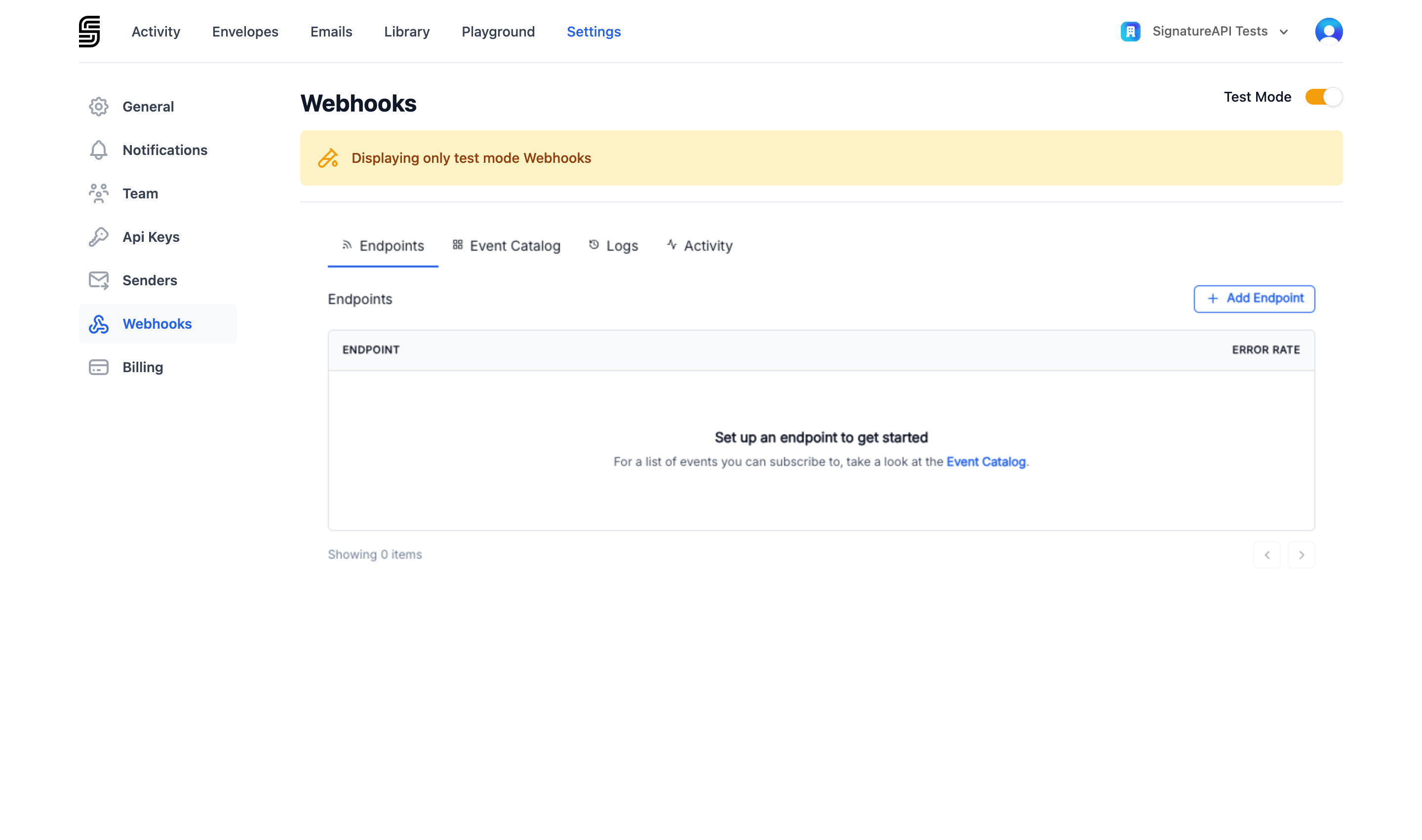
Webhooks let your application receive automatic notifications when something happens in your SignatureAPI account — for example, when a recipient signs an envelope or a deliverable is generated. Instead of polling the API, SignatureAPI sends events directly to a URL you provide. To manage your webhooks, go to Settings > Webhooks in the Dashboard.
Webhooks settings page
For technical details on event delivery, retries, and signature verification, see Webhooks.

Adding a webhook endpoint

1

Open the Webhooks page

Go to Settings > Webhooks and click New Webhook Endpoint.
2

Enter the endpoint URL

Enter the URL where SignatureAPI should send events. This must be a publicly accessible HTTPS URL.
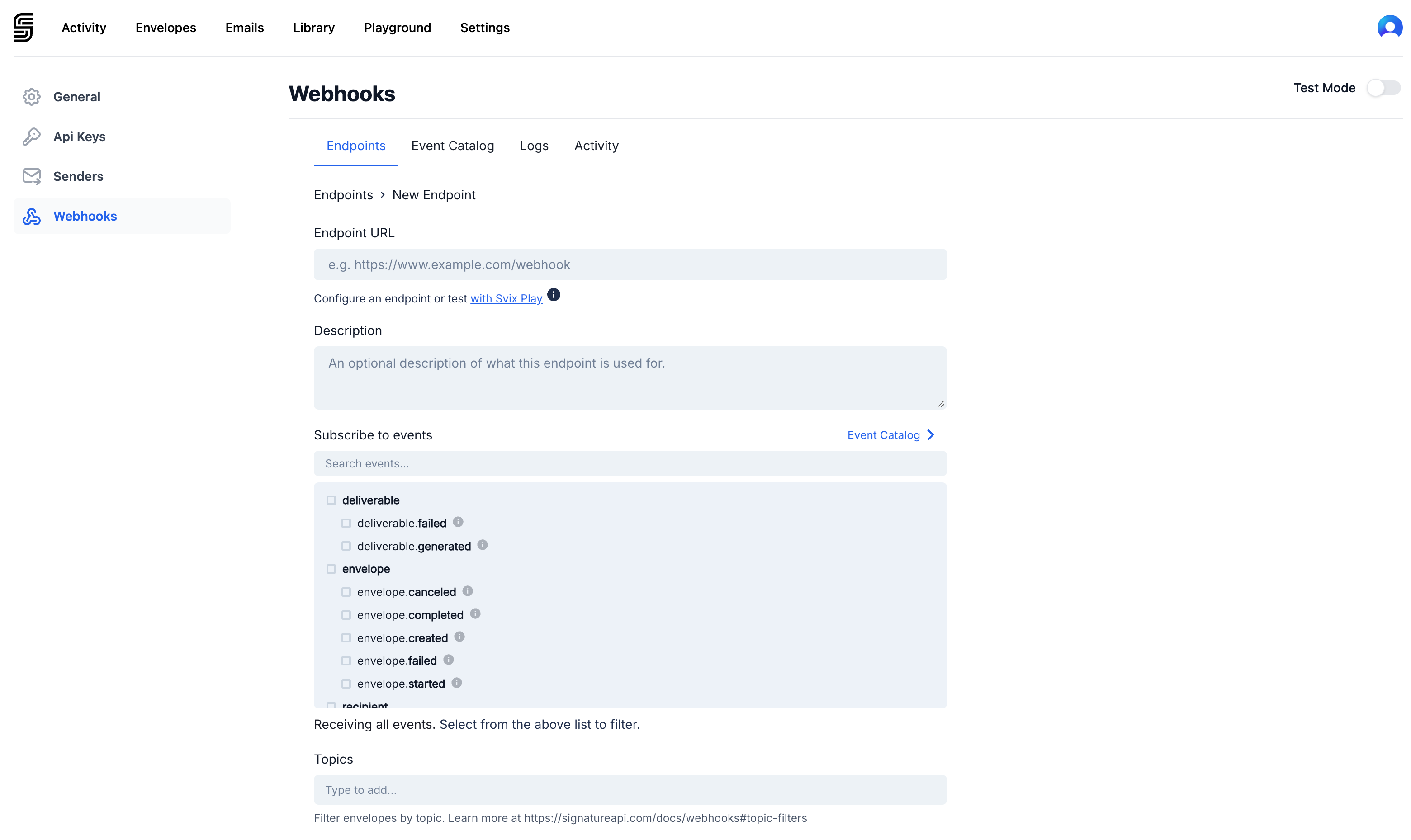
New webhook endpoint form
3

Select events

Choose which events you want to receive at this endpoint. You can subscribe to envelope events, recipient events, deliverable events, or sender events.See the full list of available events.
4

Choose the mode

Select whether this endpoint receives test events, live events, or both. Use test mode while building your integration, and add a live endpoint when you’re ready for production.

Signing secret

Each webhook endpoint has a signing secret. Your application uses this secret to verify that incoming requests are genuinely from SignatureAPI. To find the signing secret, click on the endpoint in Settings > Webhooks.
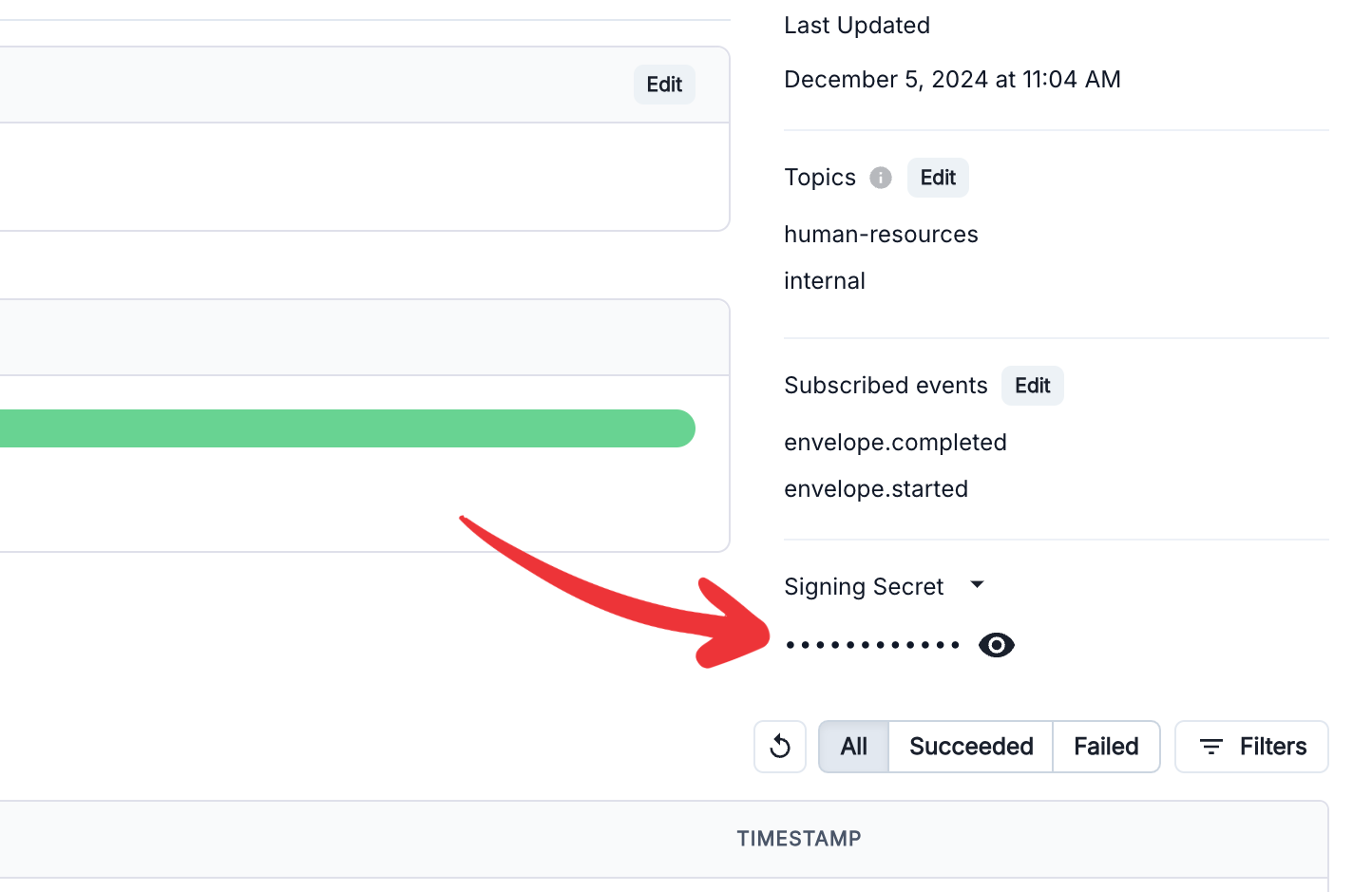
Webhook signing secret
For instructions on verifying signatures in your code, see Webhook Authentication.

Event types

You can subscribe to events across four categories:

Envelope events

EventDescription
envelope.createdA new envelope was created
envelope.startedThe envelope finished processing and recipients are being notified
envelope.completedAll recipients have completed the envelope
envelope.failedThe envelope encountered an internal error
envelope.canceledThe envelope was canceled

Recipient events

EventDescription
recipient.releasedThe recipient is ready to receive an invitation
recipient.sentThe invitation email was sent
recipient.accessedThe recipient opened the ceremony URL
recipient.viewedThe recipient authenticated and viewed the documents
recipient.completedThe recipient finished all required actions
recipient.rejectedThe recipient declined the envelope
recipient.soft_bouncedThe invitation email is temporarily undeliverable
recipient.hard_bouncedThe invitation email is permanently undeliverable
recipient.failedAn error prevented the invitation from being sent
recipient.replacedThe recipient was replaced with a new person
recipient.resentThe invitation email was resent

Deliverable events

EventDescription
deliverable.generatedThe signed document is ready for download
deliverable.failedDocument generation failed

Sender events

EventDescription
sender.createdA sender was created and the verification email was sent
sender.verifiedThe sender completed email verification
sender.failedSender verification failed
sender.deletedA sender was deleted from the account

Managing endpoints

To edit or delete an endpoint, go to Settings > Webhooks and click on the endpoint.
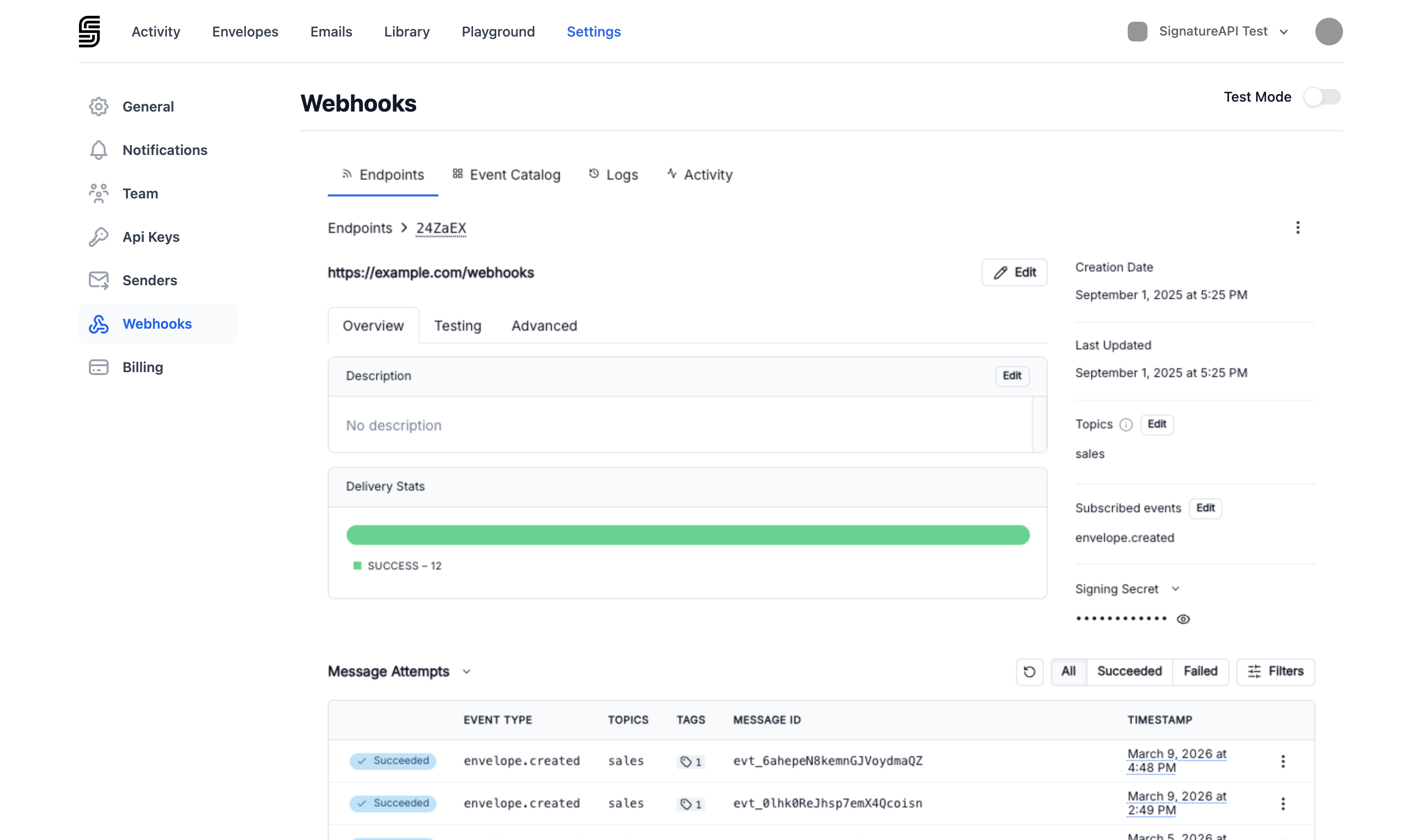
Webhook endpoint detail
You can update the URL, change the subscribed events, or delete the endpoint. Deleting an endpoint is permanent — SignatureAPI stops sending events to that URL immediately.

Testing webhooks

Use test-mode webhook endpoints while building your integration. Test events behave the same as live events but are triggered by envelopes created with a test API key. These tools can help you inspect and debug webhook deliveries:
  • Webhook.site — generates a temporary URL and shows every request sent to it.
  • ngrok — creates a tunnel from a public URL to your local machine so you can process webhooks locally.
You need the Manage webhooks permission to add or remove webhook endpoints. See Dashboard Users for details on roles and permissions.