

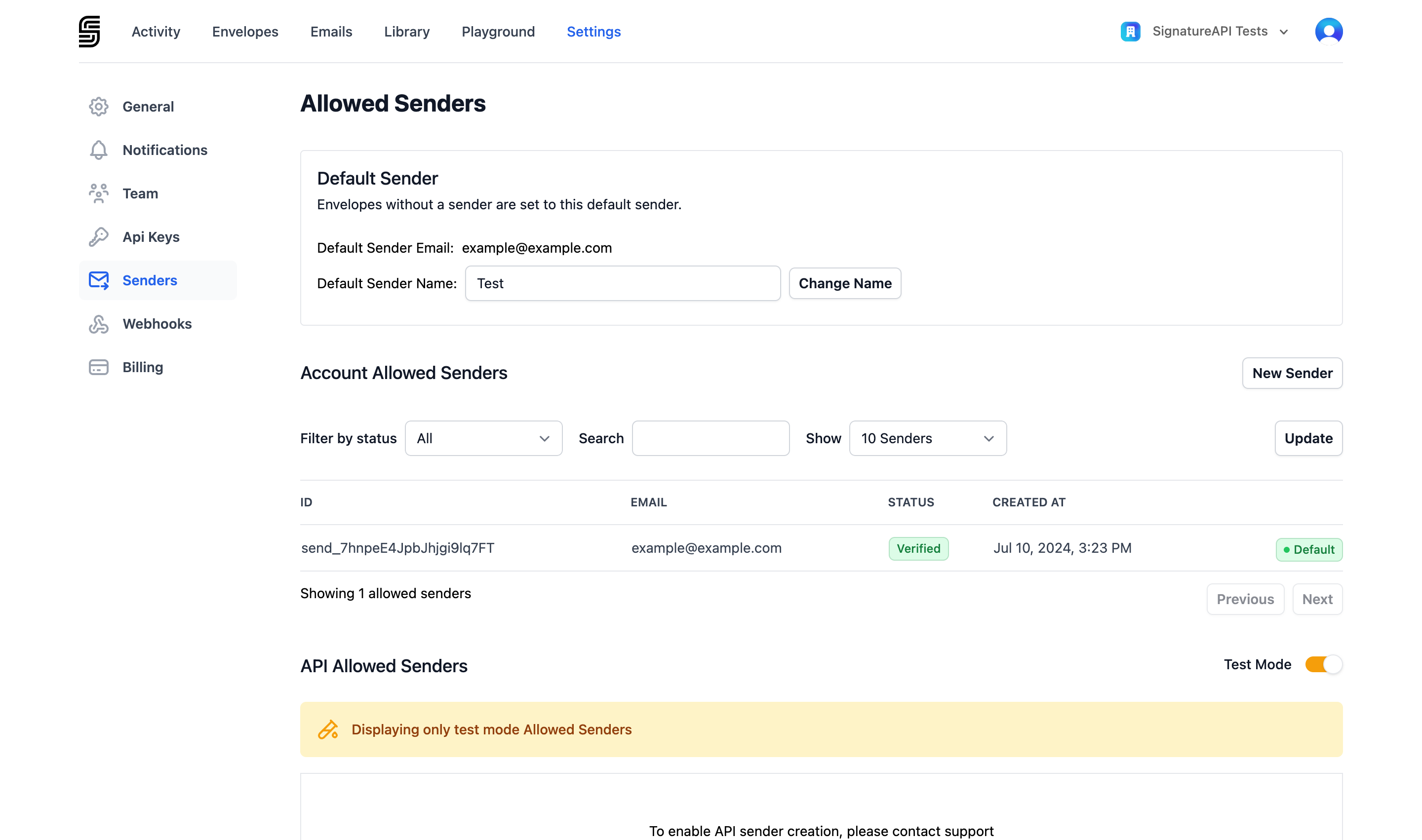
Default sender
Every account has a default sender. When you create an envelope without specifying a sender, SignatureAPI uses the default sender’s name and email address. To change the default, click Set default next to the sender you want to use. To specify a different sender for a specific envelope, include thesender property when creating the envelope through the API.
Adding a sender
1
Open the Senders page
Go to Settings > Senders and click New Sender.
2
Enter the email address
Enter the name, email address, and organization for the new sender.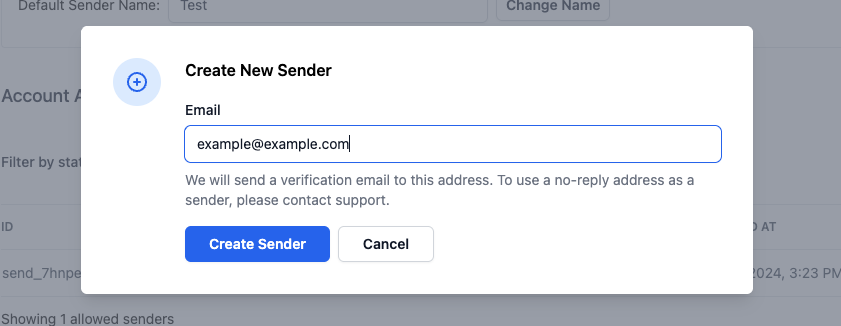
3
Verify the email address
SignatureAPI sends a verification email to the address. The address owner must click the confirmation link to complete verification.
Sender statuses
Only senders with Verified status can be assigned to envelopes.
Removing a sender
To remove a sender, go to Settings > Senders, select the sender, and delete it. You cannot delete the default sender — set a different sender as the default first.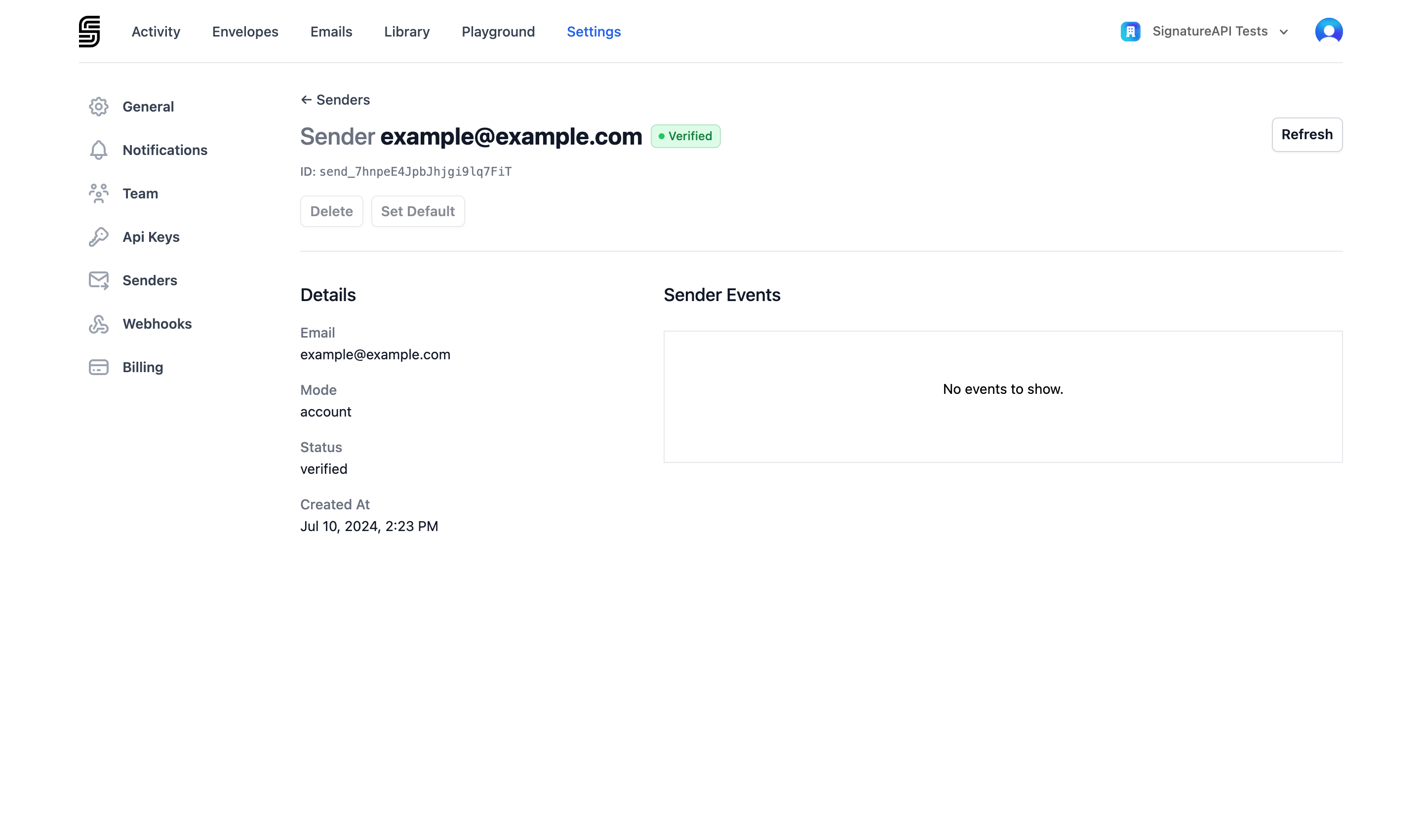
How signing request emails work
All signing request emails are sent fromnoreply@signatureapi.com. This cannot be changed — SignatureAPI enforces a strict DMARC policy to protect email deliverability.
Your verified sender address appears as the Reply-To address, so recipient replies go directly to you. The sender’s name and organization appear in the email body.
You need the Manage account senders permission to add or remove senders. See Dashboard Users for details on roles and permissions.