

language, timezone, or timestamp_format properties when creating an envelope through the API.
To update these settings, go to Settings > General in the Dashboard.
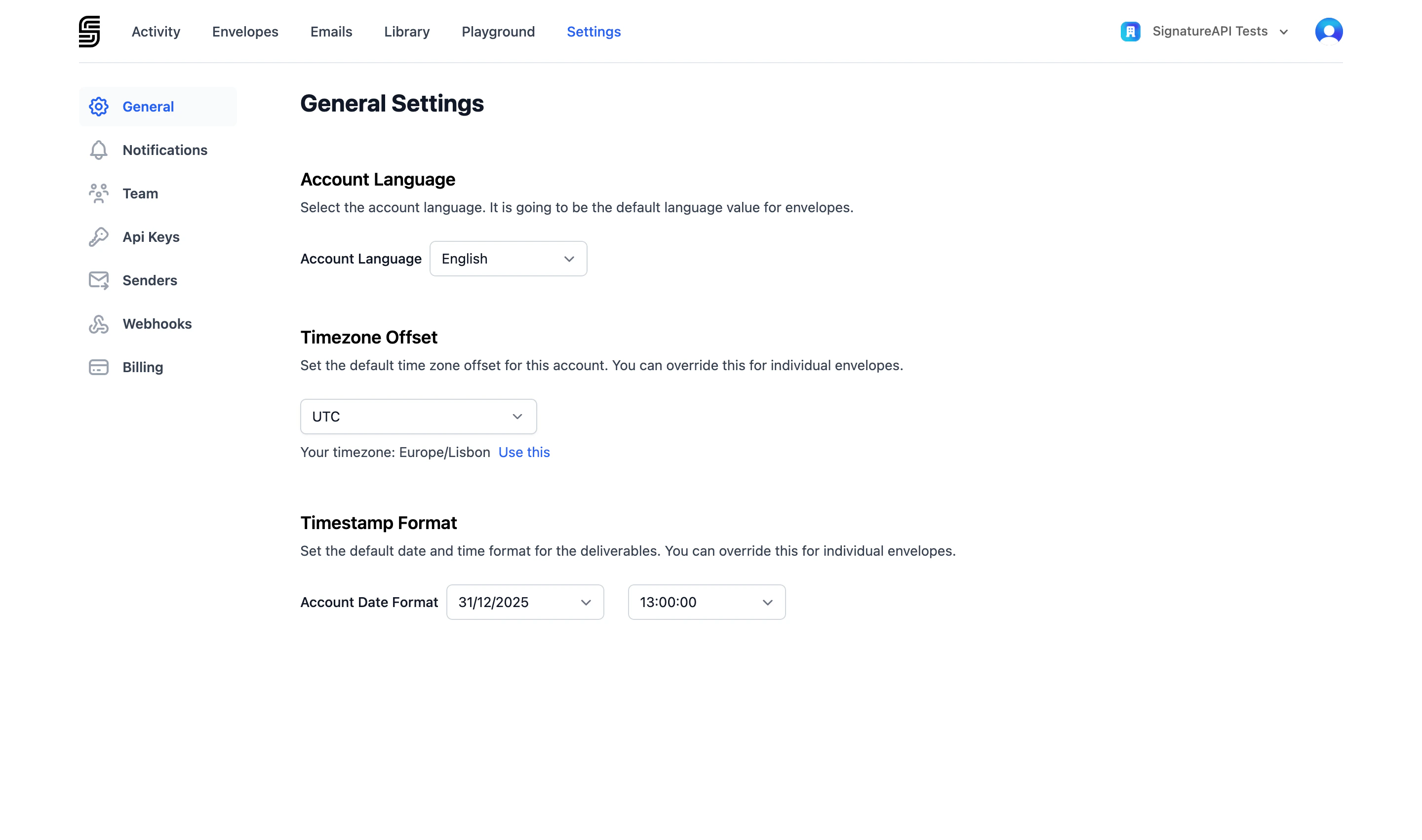
You need the Manage account settings permission to change general settings.
Language
The account language controls the default language for signing ceremonies, recipient email notifications, and the audit log in deliverables.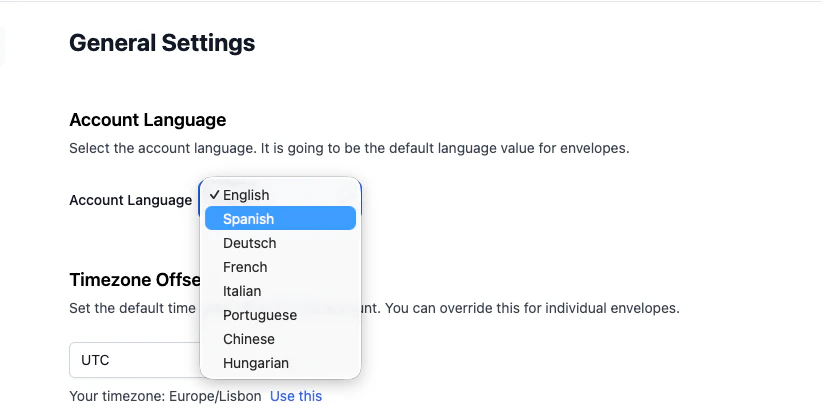
To override this default for a specific envelope, set the
language property when creating the envelope.
Time zone
The account time zone determines how timestamps appear in the deliverable’s audit log. SignatureAPI uses IANA Time Zone Database identifiers (for example,America/New_York or Europe/London).
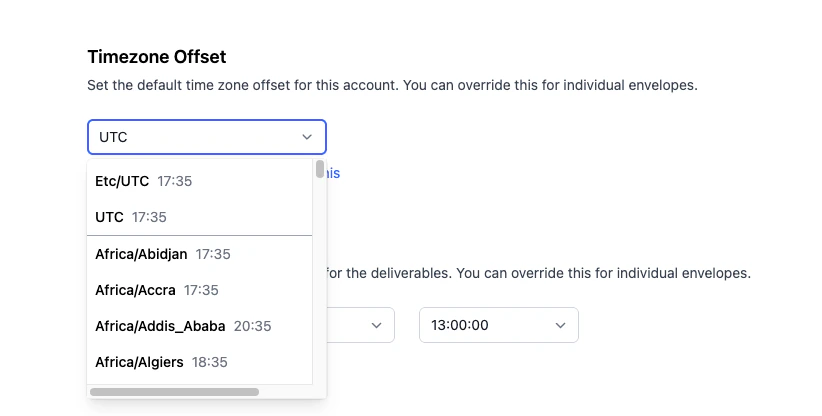
timezone property when creating the envelope.
Timestamp format
The timestamp format controls how dates and times are displayed in the deliverable’s audit log. It combines a date format and a time format.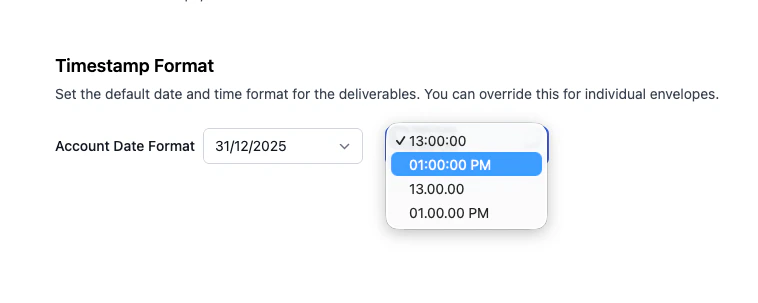
Time formats:
To override this default for a specific envelope, set the
timestamp_format property when creating the envelope.