

- Documents (PDF, DOCX) — use as document sources in envelopes. Upload contracts, agreements, and other documents you send repeatedly.
- Images (PNG, JPG) — use as logos for envelope branding. Only images uploaded to your Library can be used as logos.
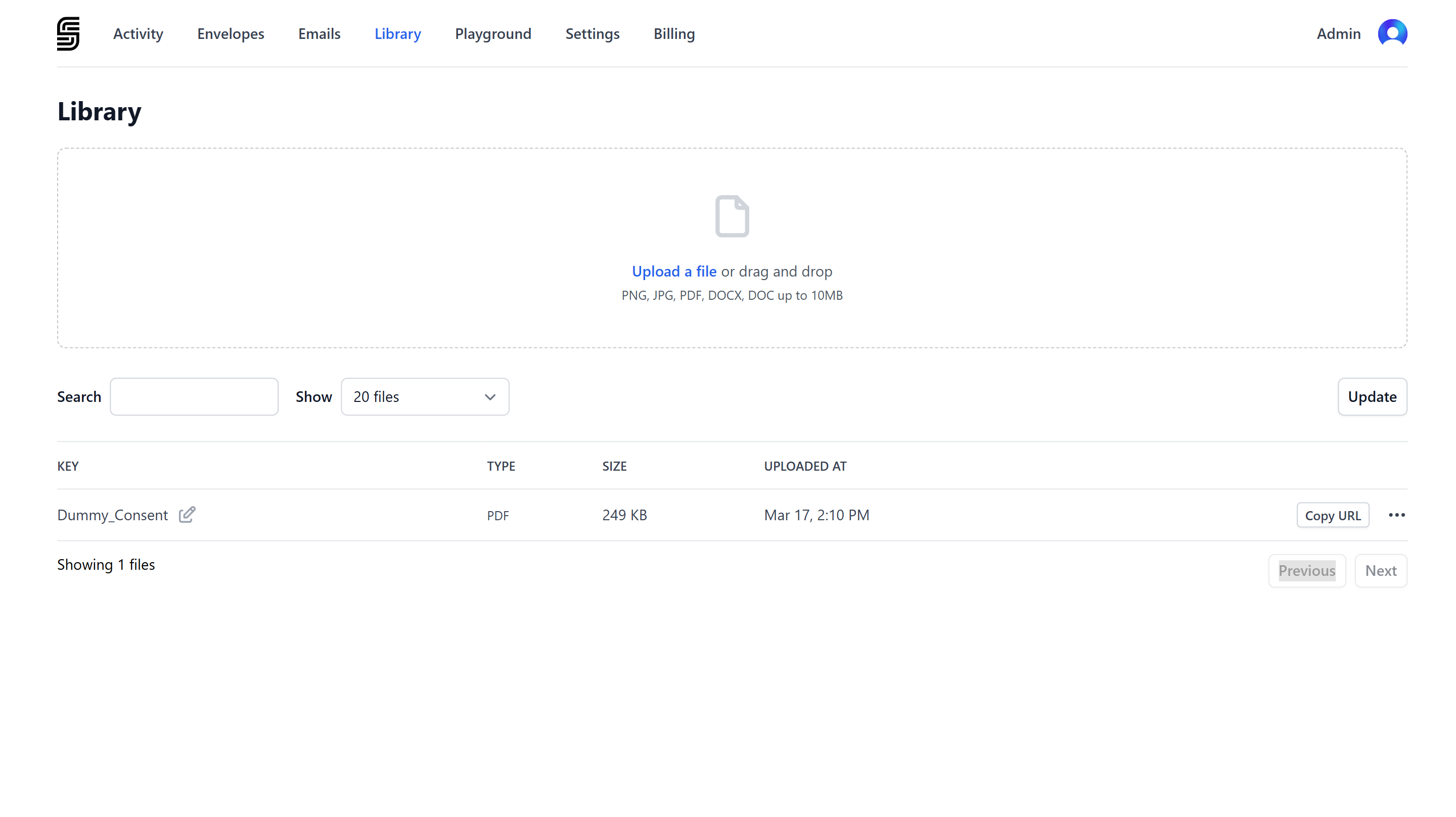
Uploading a file
1
Open the Library
Go to the Library in the Dashboard.
2
Upload the file
Click Upload a file or drag and drop a file into the upload area. Supported formats:
3
Set the key
Each file gets a unique key that identifies it within your account. The key appears in the file list and is part of the upload URL. You can edit the key by clicking the edit icon next to it.Keys can contain lowercase letters, numbers, hyphens, and underscores (max 100 characters).
Using files from the Library
Click Copy URL next to any file to copy its URL. How you use the URL depends on the file type.Documents in envelopes
Use a PDF or DOCX URL as theurl property of a document when creating an envelope:
Images for branding
Use a PNG URL as thelogo property in envelope branding. The logo appears in the header of recipient emails and the signing ceremony.
Only images uploaded to your Library can be used as logos. External URLs are not supported.
Updating a file
To replace a file with a new version, click Update on the Library page. The upload URL stays the same, so any envelope templates or integrations referencing that URL will automatically use the new version.Deleting a file
To delete a file, click the actions menu (…) next to the file and select Delete. Deleting a file is permanent. Envelopes that were already created with the file are not affected, but the URL can no longer be used in new envelopes.Library vs API uploads
You need the Manage document library permission to upload or delete files. See Manage Team Members for details on roles and permissions.