Notification channels let you receive email updates about envelope and recipient activity in your account. When events occur (such as an envelope completing or a recipient bouncing), SignatureAPI sends a notification to each active channel.

Adding a notification channel

1

Go to Settings

In the Dashboard, navigate to Settings > Notifications.
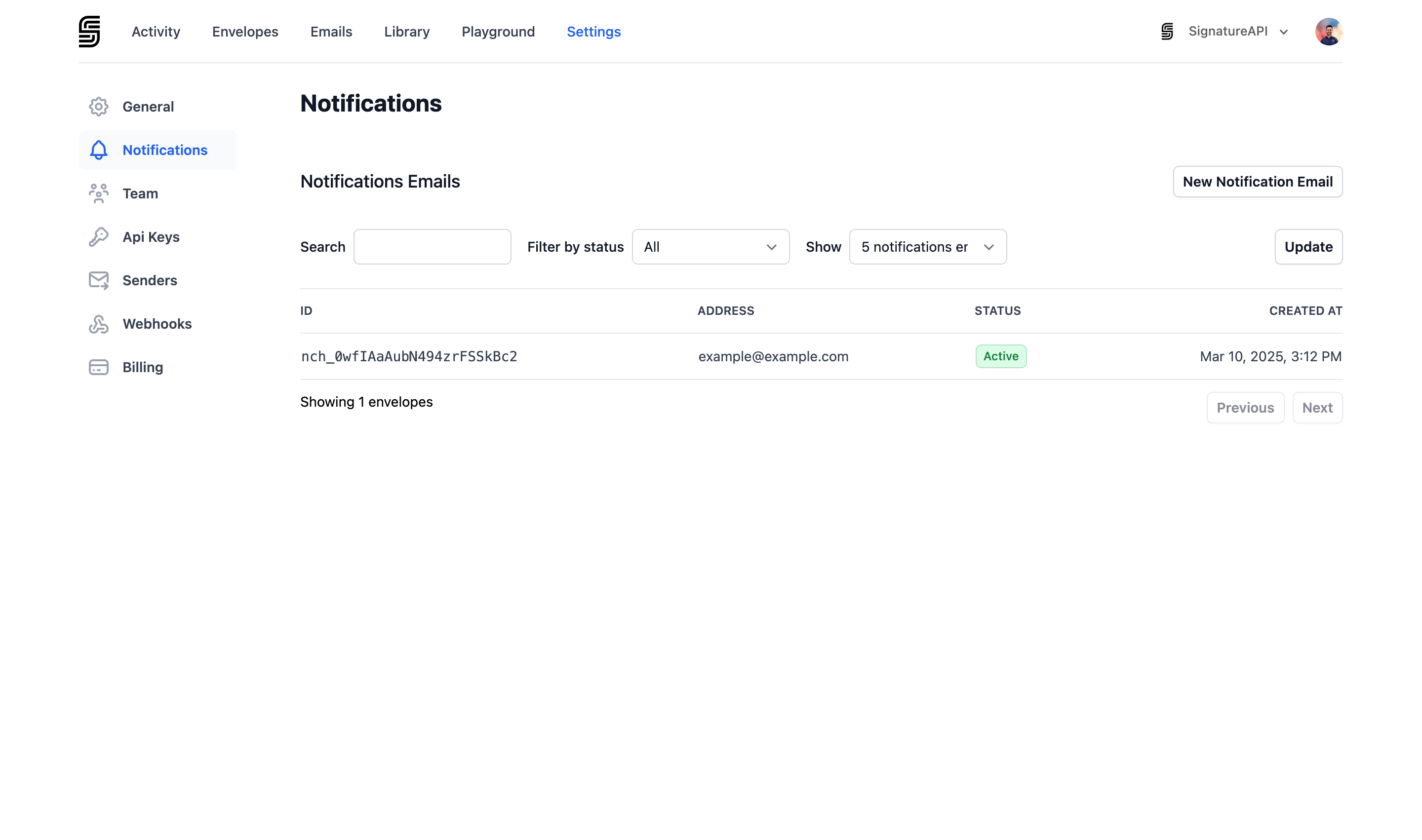
Navigate to Settings > Notifications
2

Add an email address

Click New Notification Email and enter the email address where you want to receive notifications.
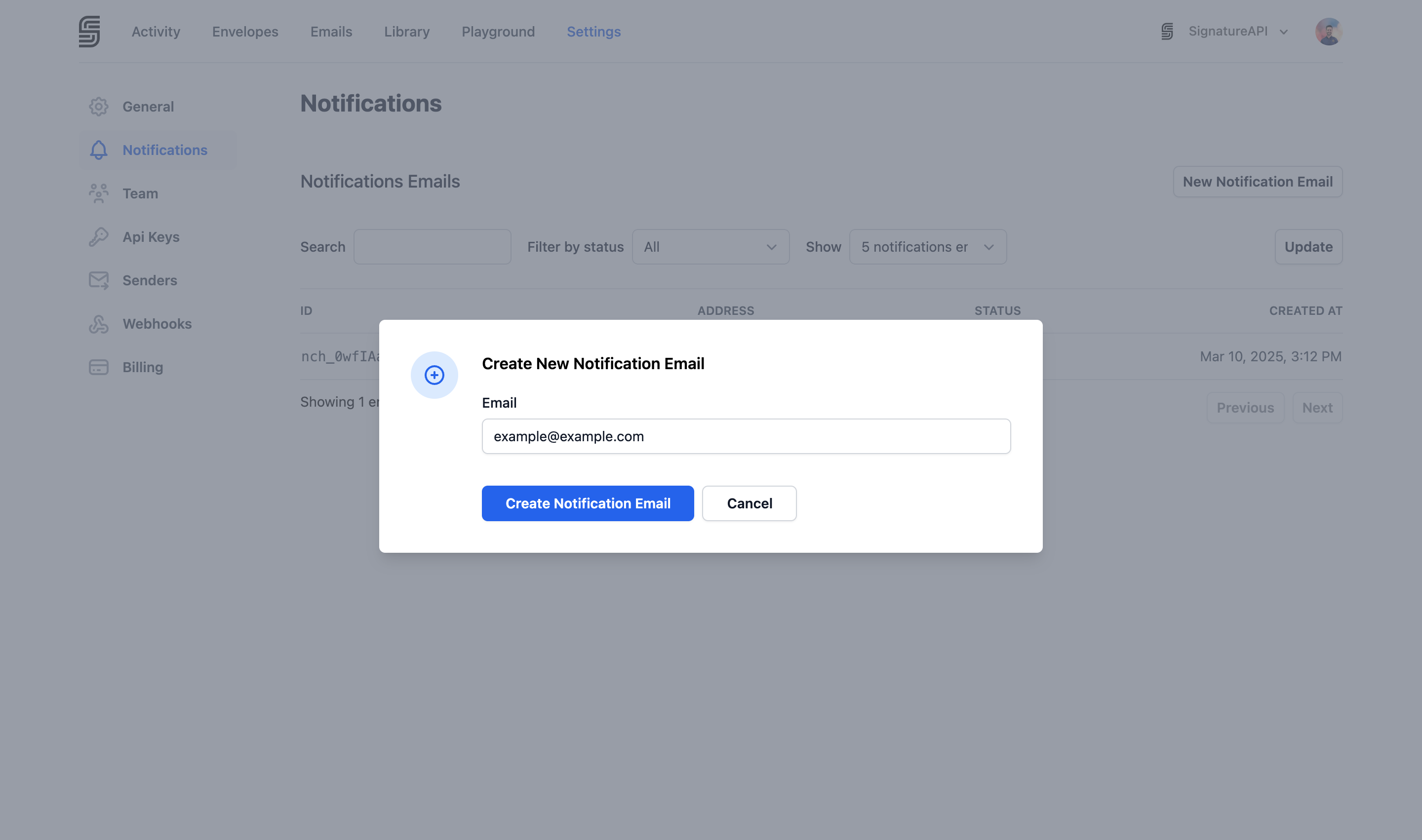
Click New Notification Email
3

Verify the email

A verification email is sent to the address. Click the confirmation link to activate the channel.
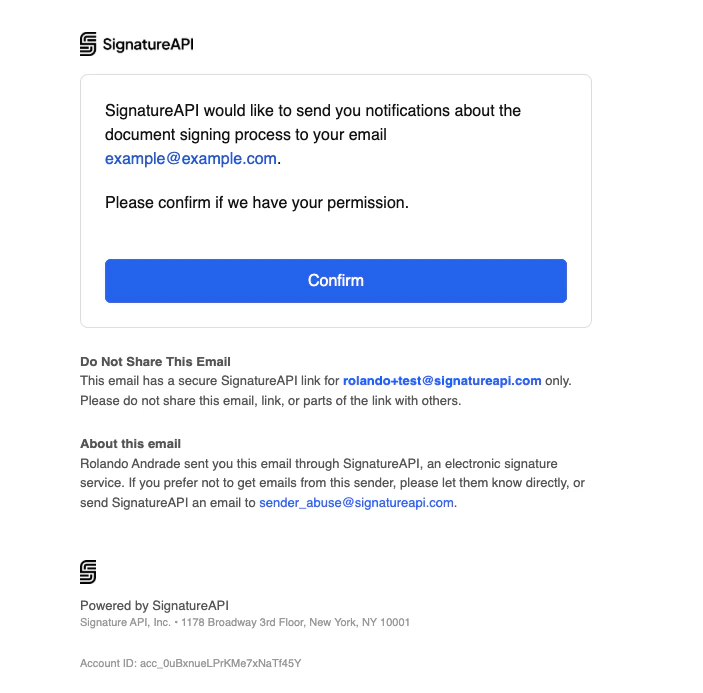
Verify the email address
You need the Manage Notifications Settings permission to add or remove notification channels.

Stop Receiving Notifications

To delete a notification channel, go to Settings > Notifications, select the channel you want to remove, and delete it from the channel details page. Deleting a channel is permanent. The email address will stop receiving all notifications immediately, and you will need to re-add and re-verify it if you want to receive notifications at that address again.
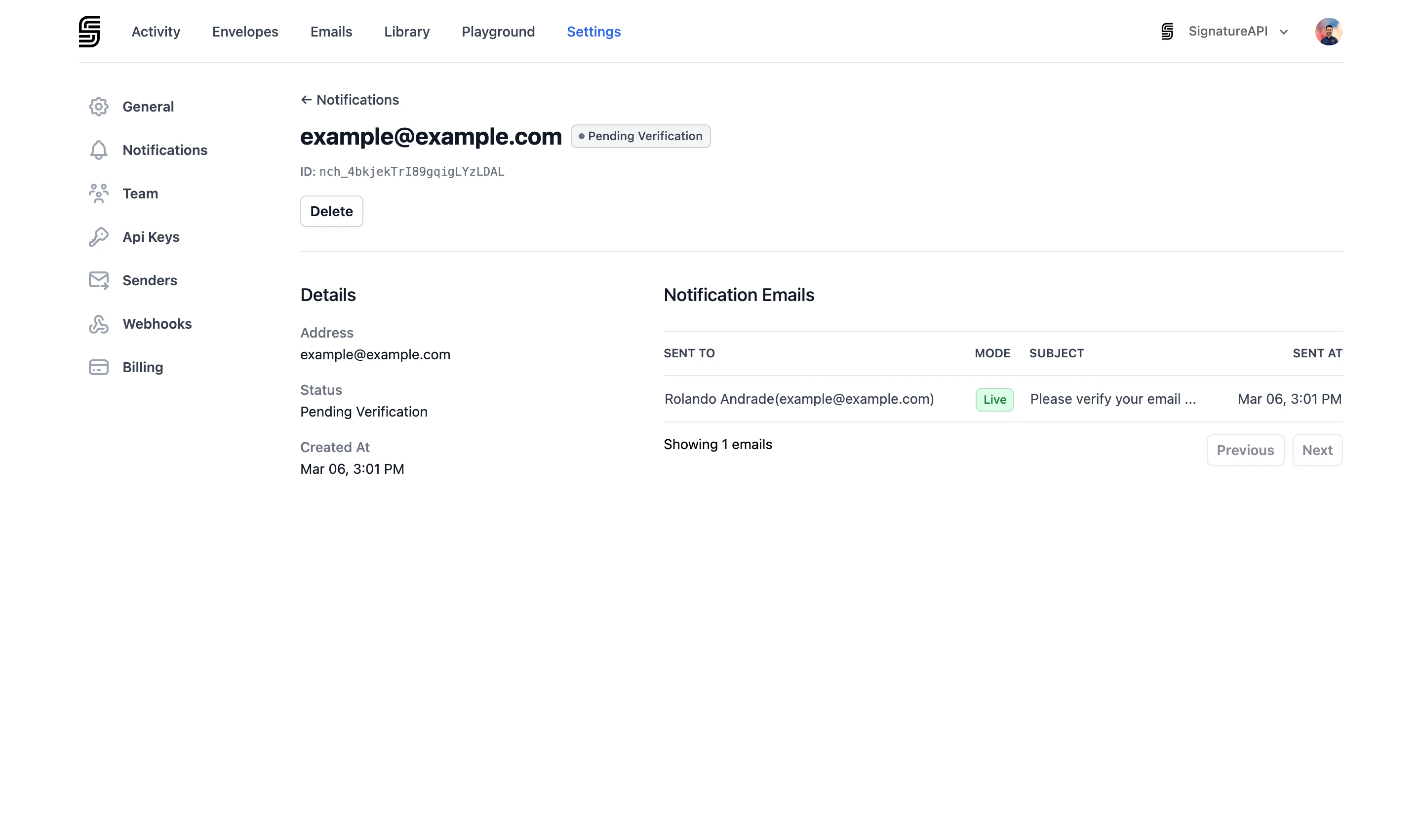
Notification channel details

Channel statuses

StatusDescription
Pending VerificationA verification email has been sent. Click the link in the email to activate.
ActiveThe channel is verified and receiving notifications.

Notification events

Active channels receive notifications for the following events:

Envelope events

EventDescription
Envelope completedAll recipients have completed the envelope.
Envelope canceledThe envelope was canceled.
Envelope failedThe envelope has failed.

Recipient events

EventDescription
Recipient completedThe recipient completed the ceremony.
Recipient rejectedThe recipient rejected the envelope.
Recipient bouncedThe email to the recipient bounced (soft or hard bounce).
Recipient failedThe recipient’s process failed.

Notification channels vs webhooks

Notification channels send human-readable emails for monitoring purposes. For programmatic event handling, use webhooks instead.