Default Timestamp Format
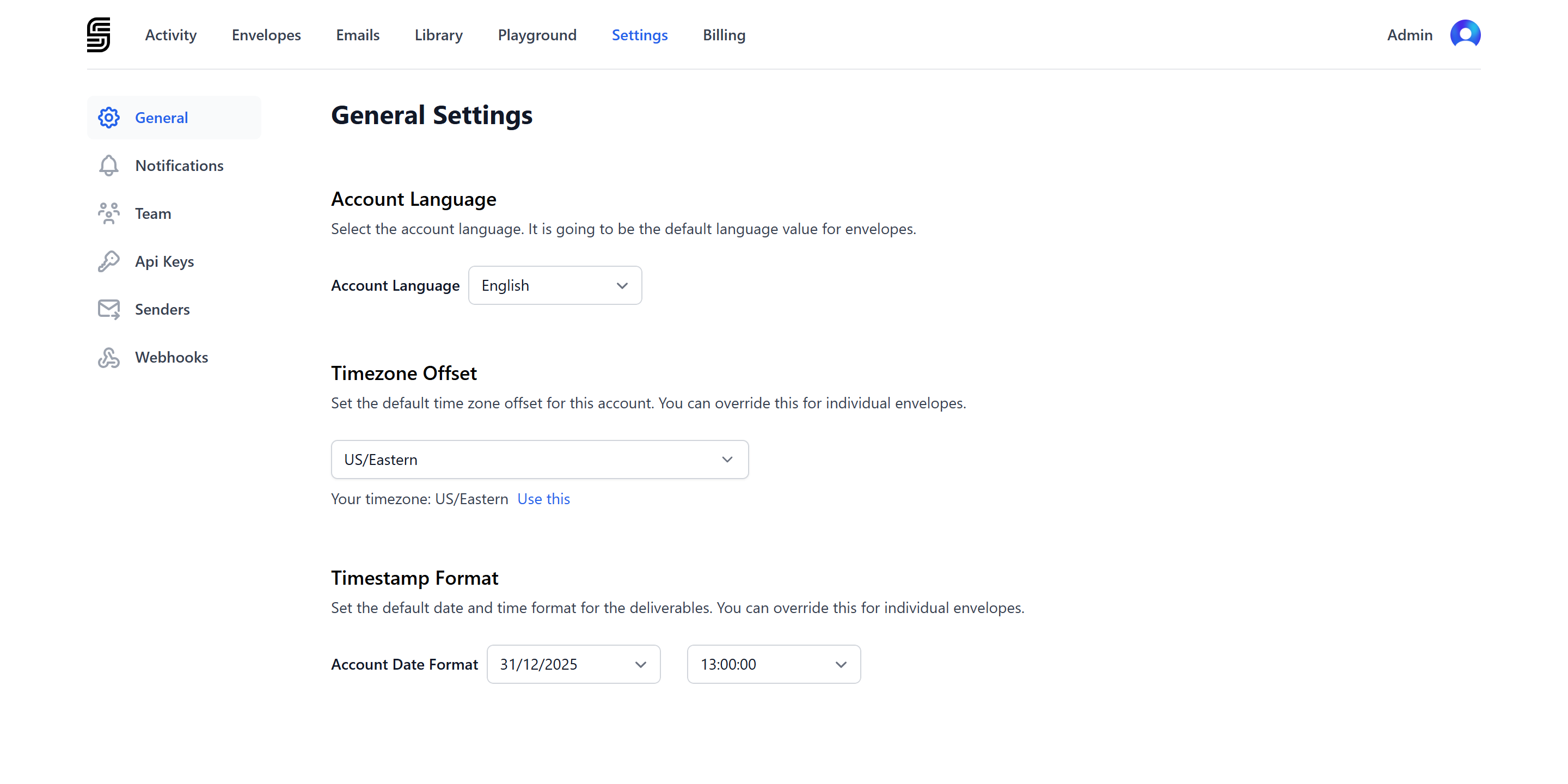
To set a new default timestamp format for your account:- Go to dashboard settings.
- Navigate to the Timestamp Format section.
Envelope Timestamp Format
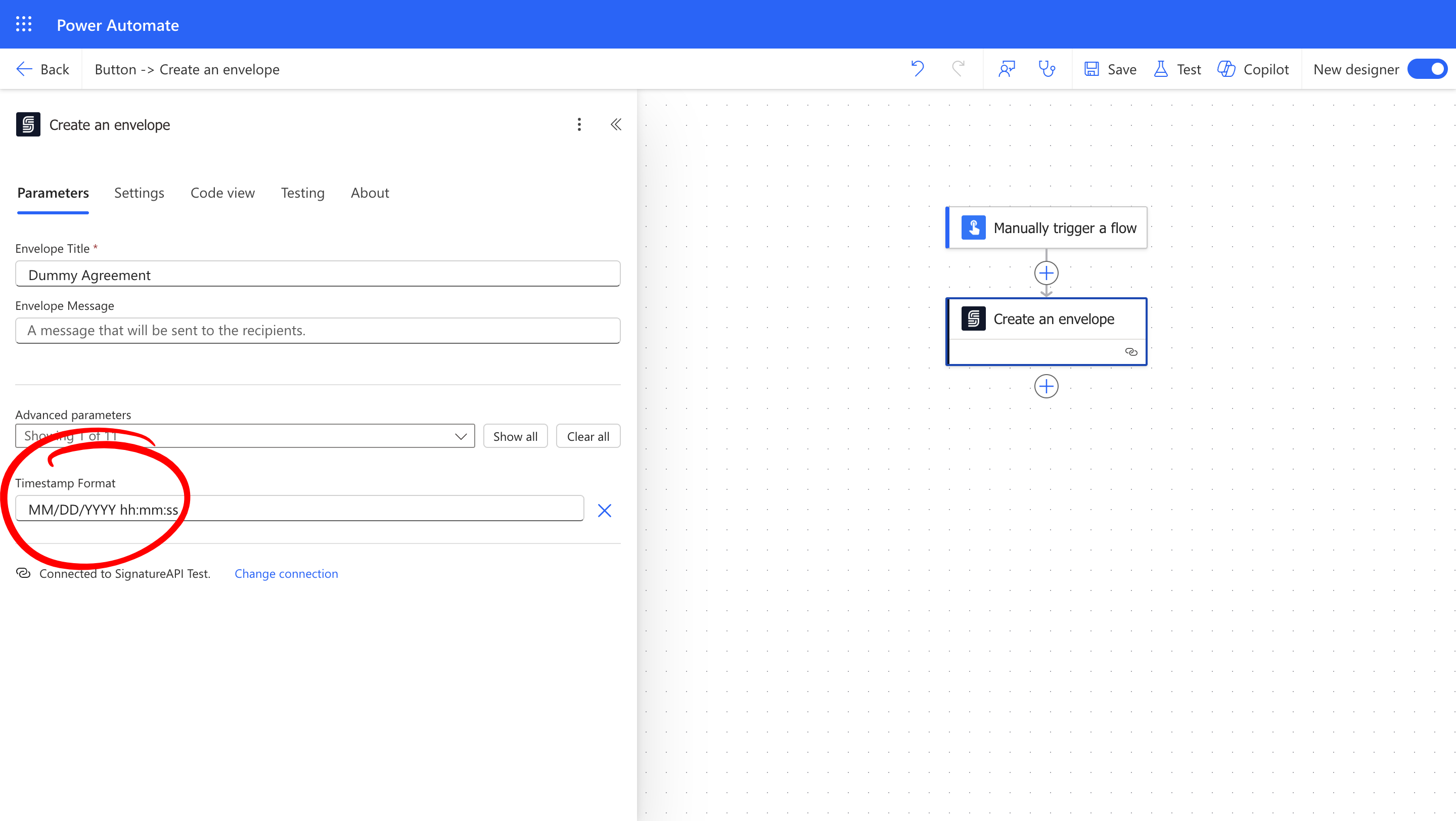
To set a specific timestamp format for an individual envelope, use thetimestamp_format parameter when creating the envelope:
Building a Timestamp Format
Use these tokens to build timestamp formats:
You can use these separators:
- Date separators:
/(slash),-(dash),.(period),(space) - Time separators:
:(colon),.(period)
MM/DD/YYYY hh:mm:ss
This will appear in the audit logs as 12/31/2025 11:59:59 PM.
Examples of Timestamp Formats
Here are common timestamp formats used in different regions:How Does It Look
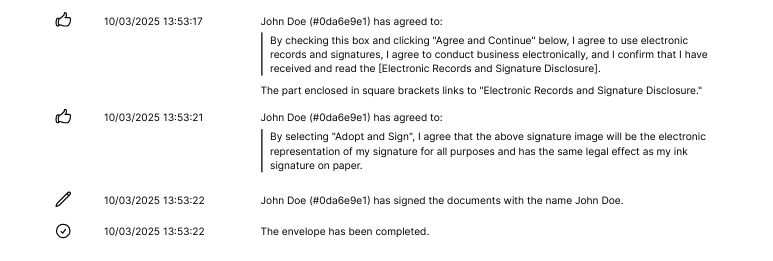
Dates appear in the audit log in the specified format: