
Documentation Index

Fetch the complete documentation index at: https://signatureapi-daf4ee54.mintlify.app/llms.txt

Use this file to discover all available pages before exploring further.

To verify that a deliverable was generated by SignatureAPI, open the PDF in Adobe Acrobat Reader (free) or Adobe Acrobat (paid).
  1. Check the signature status.
    Look for a green check mark next to the signature icon. You should see the message:
    “Signed and all signatures are valid.”
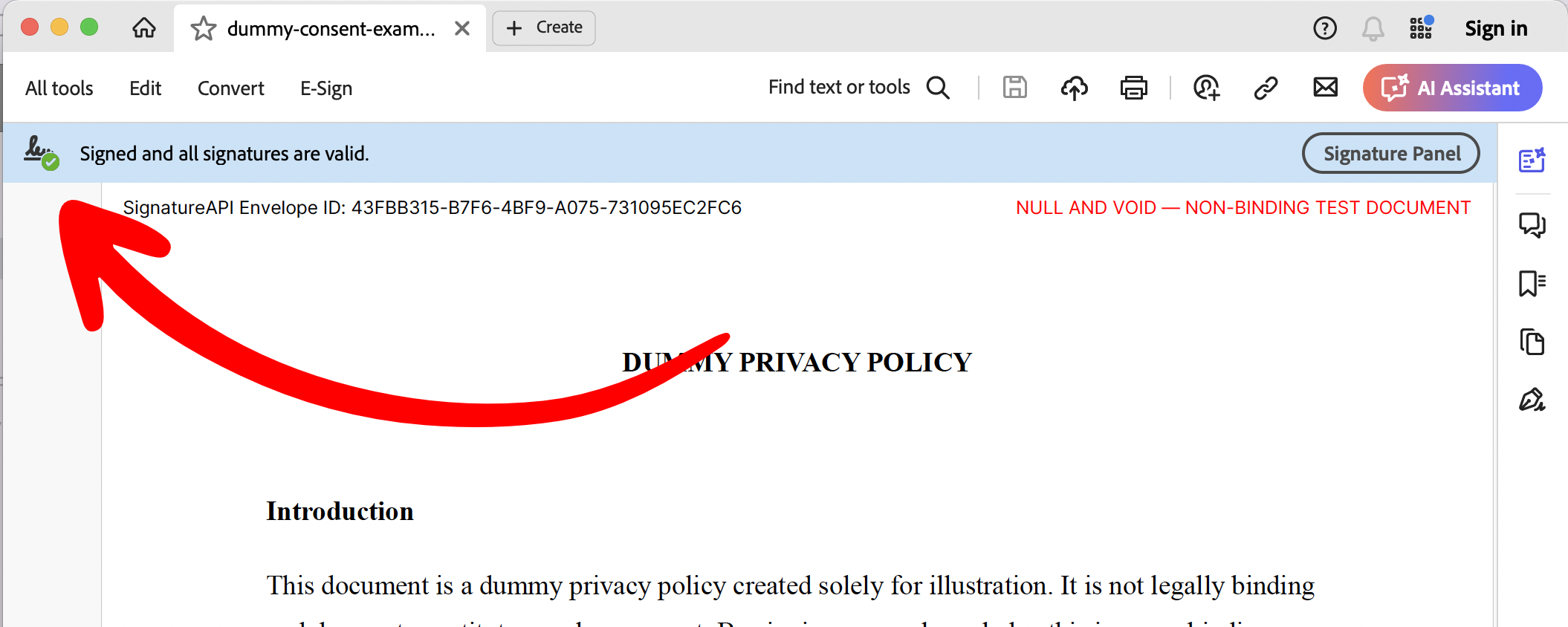
    Valid Signature Message in Adobe Acrobat
  2. Open the Signature Panel.
    Review the signature details.
All SignatureAPI deliverables are signed with a digital certificate issued to Signature API, Inc.
To view the certificate’s serial numbers and fingerprints, go to the API verification guide.