Certificate 0FE1
Certificate 0FE1
Download .cer file
Certificate 2979
Certificate 2979
Download .cer file
Certificate 2E87
Certificate 2E87
Download .cer file
Certificate 3C2A
Certificate 3C2A
Download .cer file
Certificate 533E
Certificate 533E
Download .cer file
Certificate 5DC2
Certificate 5DC2
Download .cer file
Verifying in Adobe Acrobat
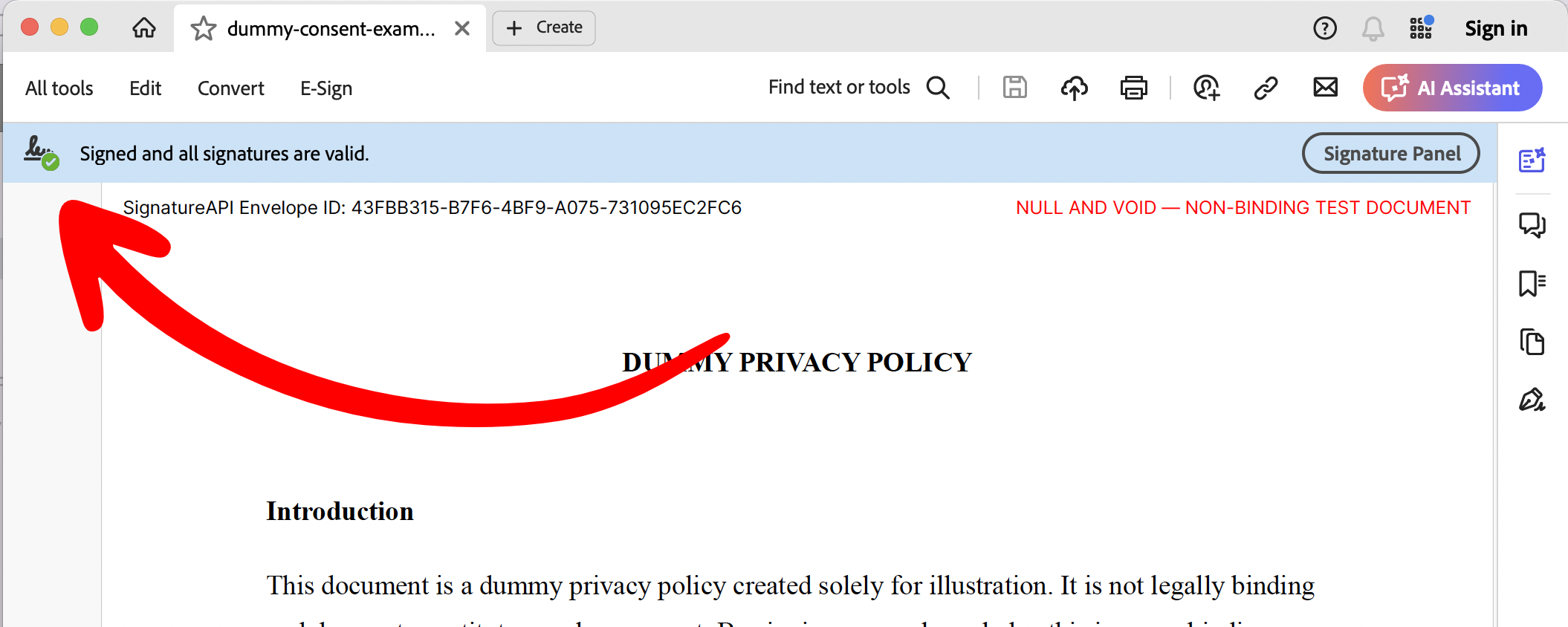
The easiest way to verify a deliverable is to open it in Adobe Acrobat Reader (free) or Adobe Acrobat (paid). Step 1: Check that the signature is valid. You should see a signature icon with a green check mark and the message “Signed and all signatures are valid.”