

When to use
Email link authentication works well when:- You want the simplest experience for recipients.
- Recipients check email to access documents.
- You don’t need to control the ceremony URL or deliver it through other channels.
- Your security requirements allow email-based authentication.
Creating an email link ceremony
You can create an email link ceremony automatically when creating an envelope, or manually using the Create Ceremony endpoint.On envelope creation (automatic)
By default, SignatureAPI creates an email link ceremony and sends the invitation email when you create an envelope.Default email link ceremony
ceremony property explicitly.
Email link ceremony with redirect URL
Create Ceremony endpoint (manual)
Use the Create Ceremony endpoint to create an email link ceremony after the envelope is created.Creating a new ceremony automatically revokes any previous ceremony for that recipient. Only the most recent ceremony remains active.
Create email link ceremony
Email customization
By default, SignatureAPI derives the email content from the envelope:- Subject:
envelope.title - Message body:
envelope.message - Language:
envelope.language
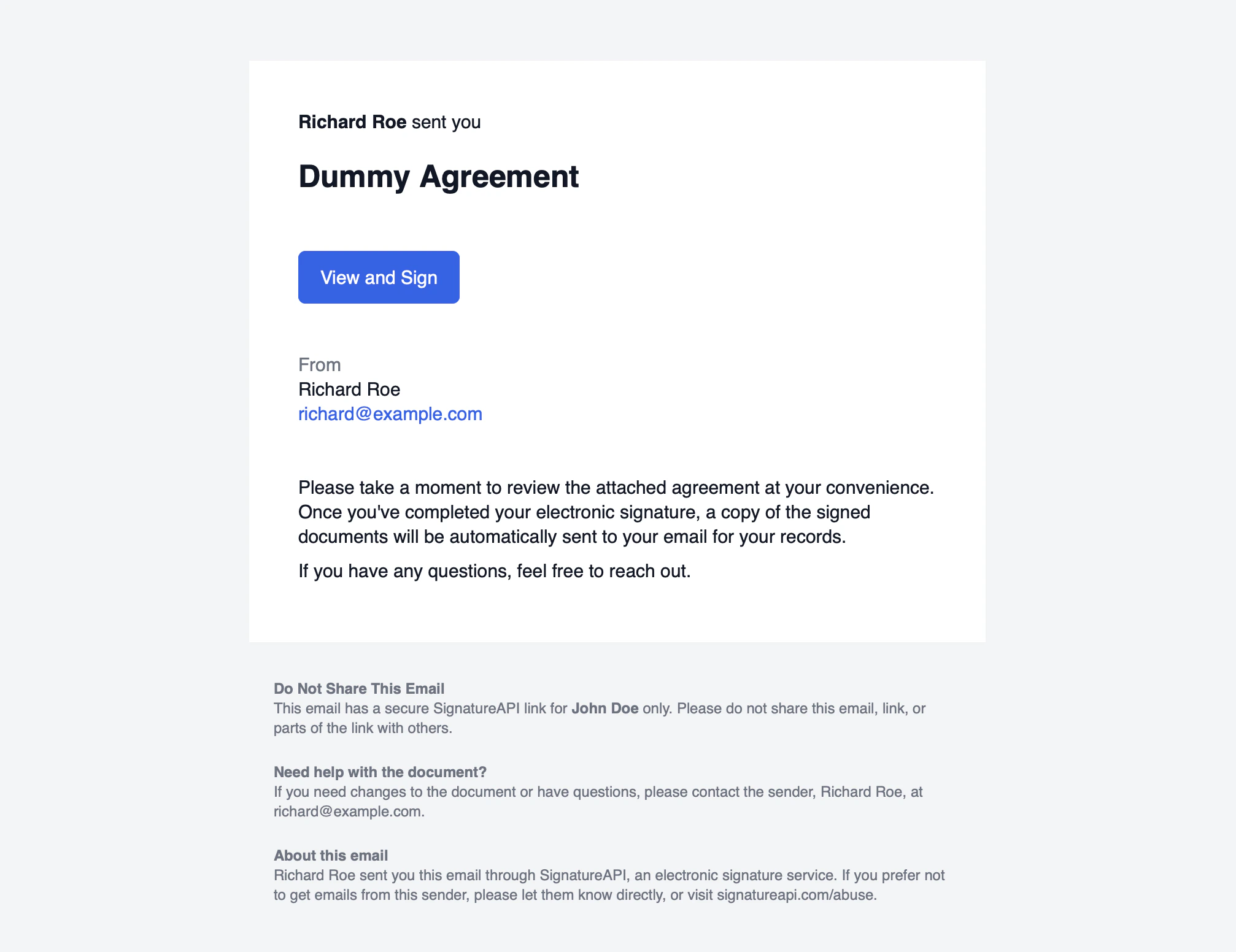
Per-recipient overrides
Usesubject_override and message_override on the email_link authentication object to customize the email for a specific recipient.
Per-recipient email customization
message_override supports Markdown formatting: **bold**, *italic*, and \n\n for paragraph breaks.
To send invitation emails through your own infrastructure with custom branding, use Custom Authentication to obtain the ceremony URL and deliver it yourself.
Audit log
When a recipient clicks the email link, SignatureAPI records the timestamp. The audit log entry looks like this:12/31/2025 11:59:59 PM
John Doe (#7161cf07) has authenticated using a secure link sent to john@example.com.