Documentation Index

Fetch the complete documentation index at: https://signatureapi-daf4ee54.mintlify.app/llms.txt

Use this file to discover all available pages before exploring further.

If you’re using the API directly, we recommend switching to the new, more flexible Places. If you’re already using the legacy Signature Places on this page, they will continue to be maintained.
If you’re using Power Automate, the legacy Signature Places are currently the only option. Contact us to find out when you can start using the new Places.
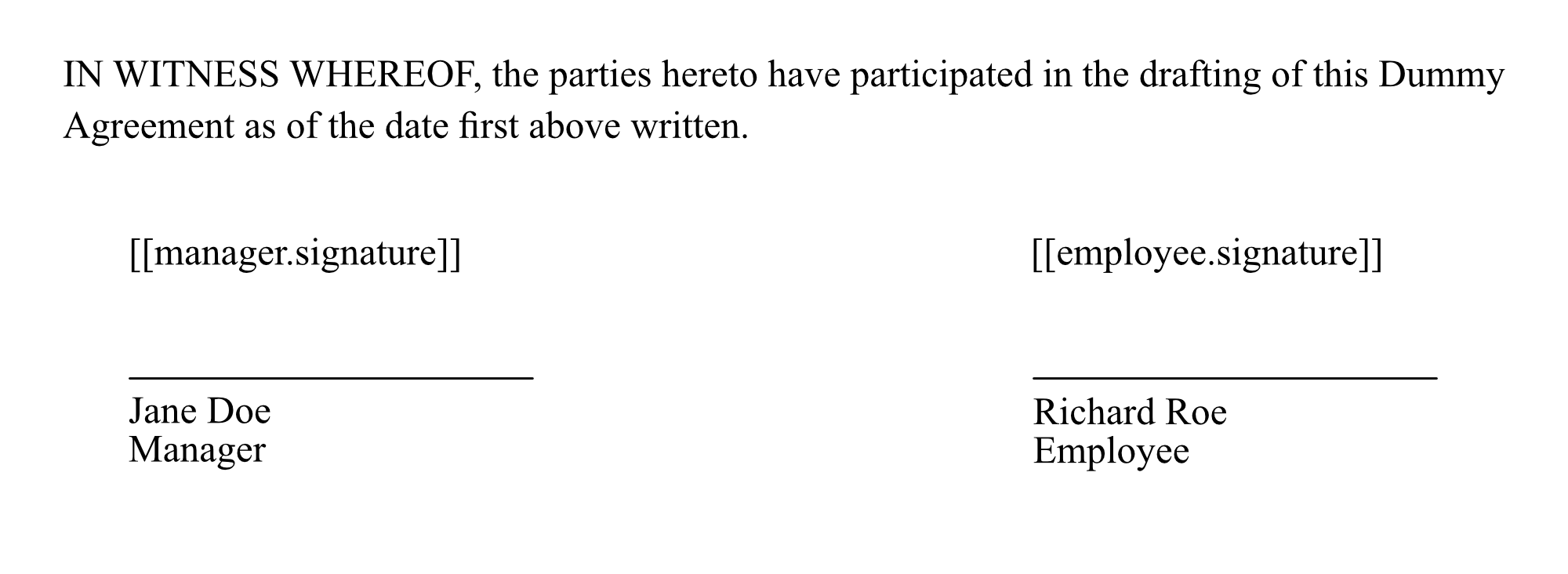
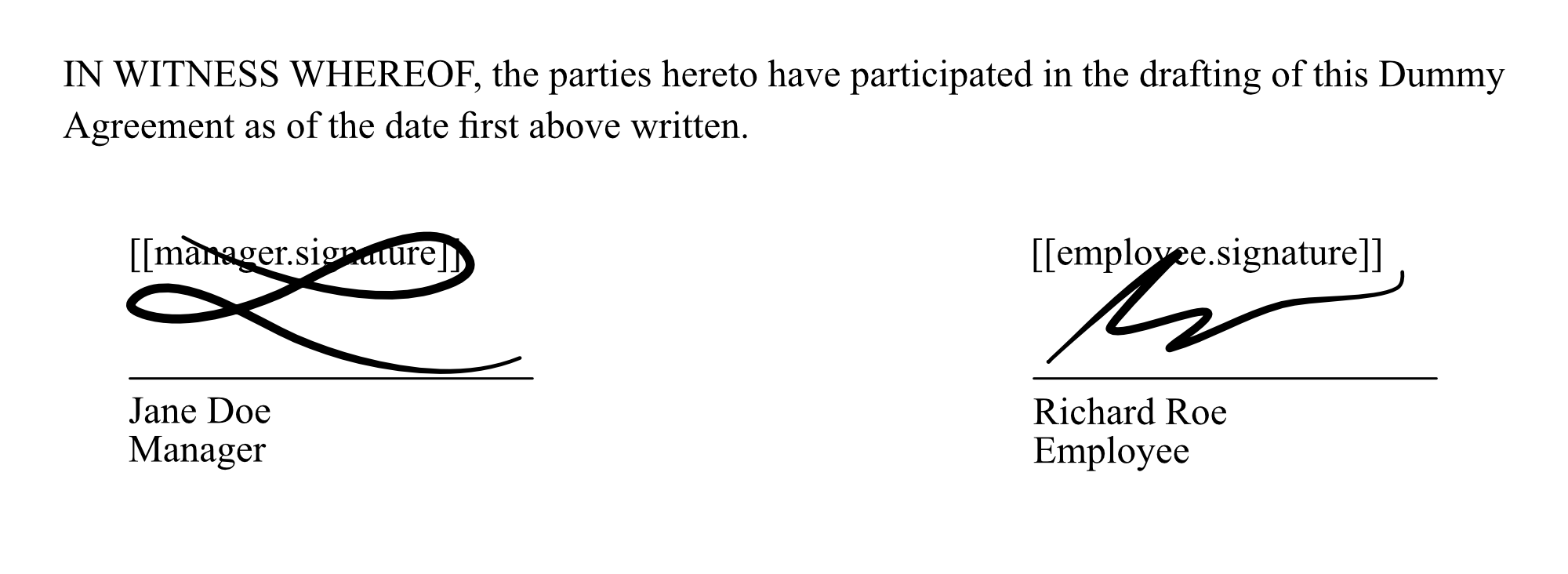
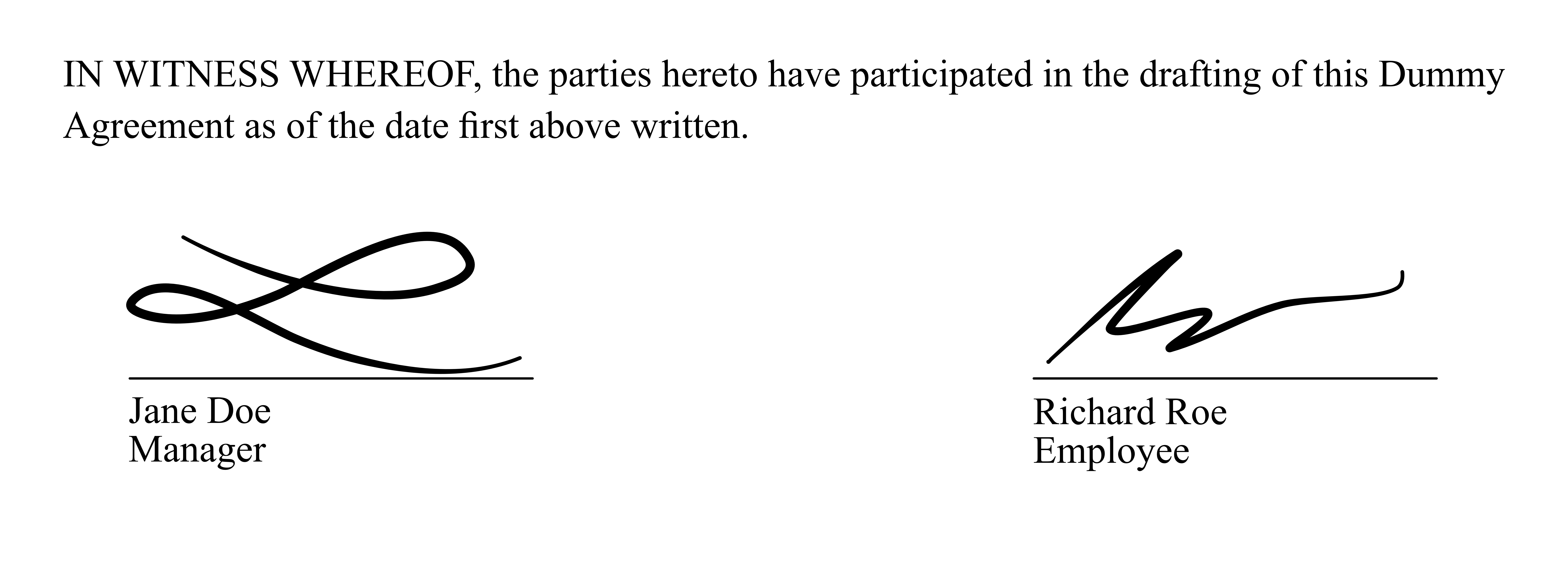
Each recipient has a key that identifies them within an envelope. In an employment contract, for example, the keys can be manager and employee. SignatureAPI uses placeholders to identify where each signature should go in a document. It uses the recipient’s key to find their signing place. The format of a signature placeholder is like this [[key.signature]], where key is the recipient’s key. For example, in an employment contract, the place where the manager signs is marked: [[manager.signature]] and where the employee signs, is marked: [[employee.signature]] In the document, placeholders will look like this: title After signing, the document will look like this: title We recommend changing the placeholder text color to white. This will make the placeholders invisible in the document: title If you need help with your templates, reach out to support.