

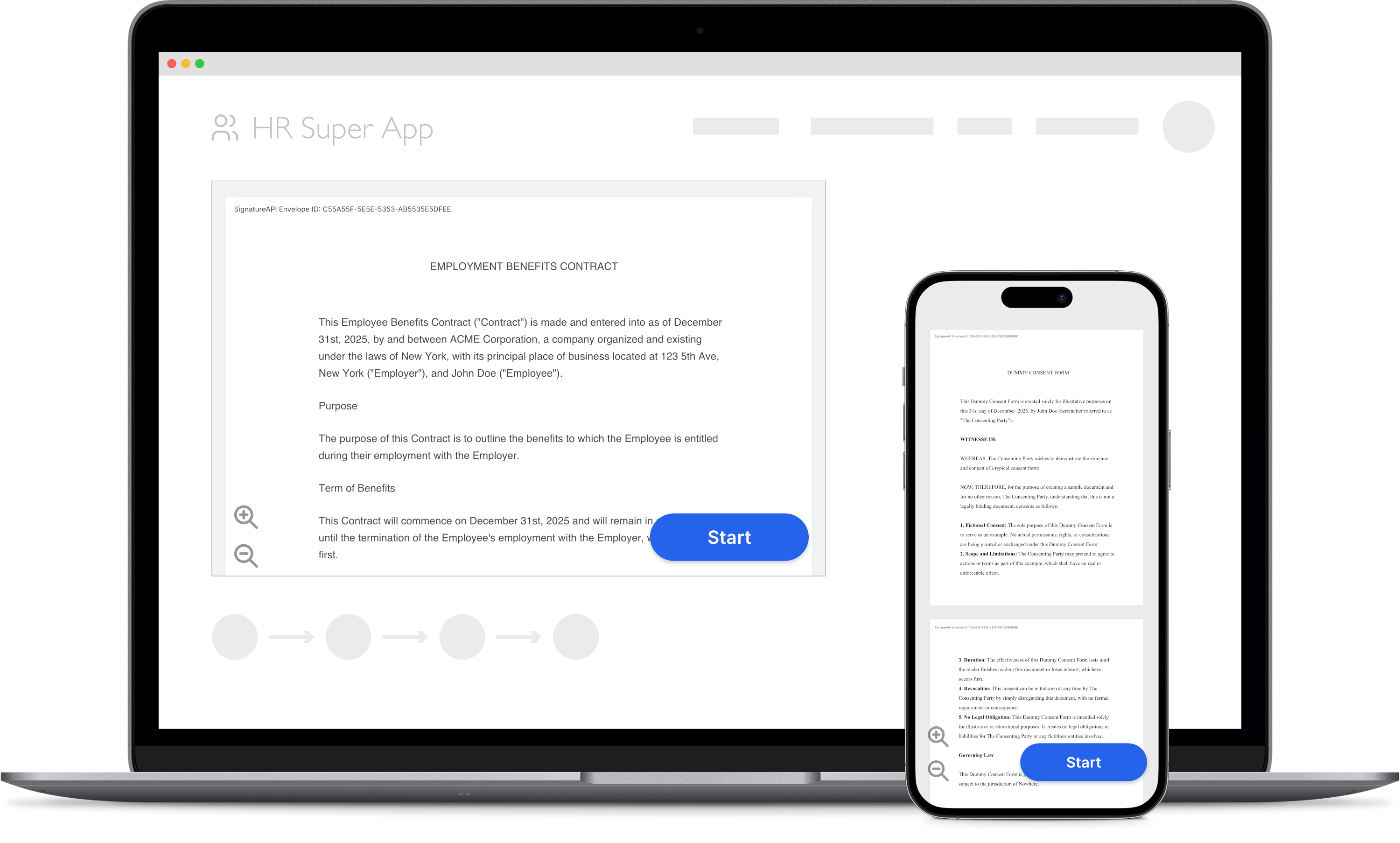
 You can embed the signing interface directly in your mobile app using a WebView. The signer completes the ceremony inside your app without being redirected to an external browser.
You need both:
You can embed the signing interface directly in your mobile app using a WebView. The signer completes the ceremony inside your app without being redirected to an external browser.
You need both:
- A server to create an envelope and get a ceremony URL.
- A client (your mobile app) to display the ceremony to the recipient.
Server Side
The server-side setup for mobile embedding is the same as for web embedding. Your server creates an envelope with a recipient whose ceremony uses Custom Authentication, then returns the ceremony URL to your mobile app. Follow the server-side steps in the Embed Signing in a Web App guide, then return here for the mobile-specific client implementation.Never call the SignatureAPI API directly from your mobile app. Your API key would be exposed in the app bundle. Always fetch the ceremony URL from your own backend.
Client Side (React Native)
Install the WebView package
Install react-native-webview:Build the signing component
Create aSignatureApiWebView component that loads the ceremony and handles the terminal events: ceremony.completed, ceremony.canceled, and ceremony.failed.
Mobile apps use event_delivery=redirect instead of event_delivery=message. When the ceremony reaches a terminal state, the signing interface redirects the WebView to a signatureapi-message:// URL. Your app intercepts that navigation and responds accordingly.
Use the component
Your app fetches the ceremony URL from your backend and passes it to the component:How events are delivered
When the ceremony ends, the signing interface issues a redirect to asignatureapi-message:// URL. The host portion of the URL identifies the event type:
For
ceremony.failed, the URL includes error_type and error_message query parameters with details about the failure. See Ceremony Events for the full reference.
iOS and Android
Native iOS and Android apps follow the same pattern. Load the ceremony URL (withembedded=true and event_delivery=redirect appended) in a WebView, then intercept navigation to signatureapi-message:// URLs to handle events.
- iOS (WKWebView): Implement
webView(_:decidePolicyFor:decisionHandler:)in yourWKNavigationDelegate. When the URL scheme issignatureapi-message, cancel the navigation and handle the event. - Android (WebView): Override
shouldOverrideUrlLoadingin yourWebViewClient. When the URL scheme issignatureapi-message, returntrueand handle the event.
Try It
Use your test API key to create a test envelope and ceremony. Test envelopes won’t send emails, so you can iterate quickly without affecting real recipients. Review the results in your dashboard.Keep Learning
- Read the Ceremony Events reference for the full list of event types and error codes.
- Learn how to customize the signing ceremony to match your app’s branding.
- See the full React Native implementation for additional options, such as hiding the cancel button.
- Explore Custom Authentication for details on the server-side ceremony setup required for embedding.