> ## Documentation Index
> Fetch the complete documentation index at: https://signatureapi-daf4ee54.mintlify.site/llms.txt
> Use this file to discover all available pages before exploring further.
# Get a deliverable
> Retrieves a deliverable using its ID. Use it to download a signed copy of the envelope.
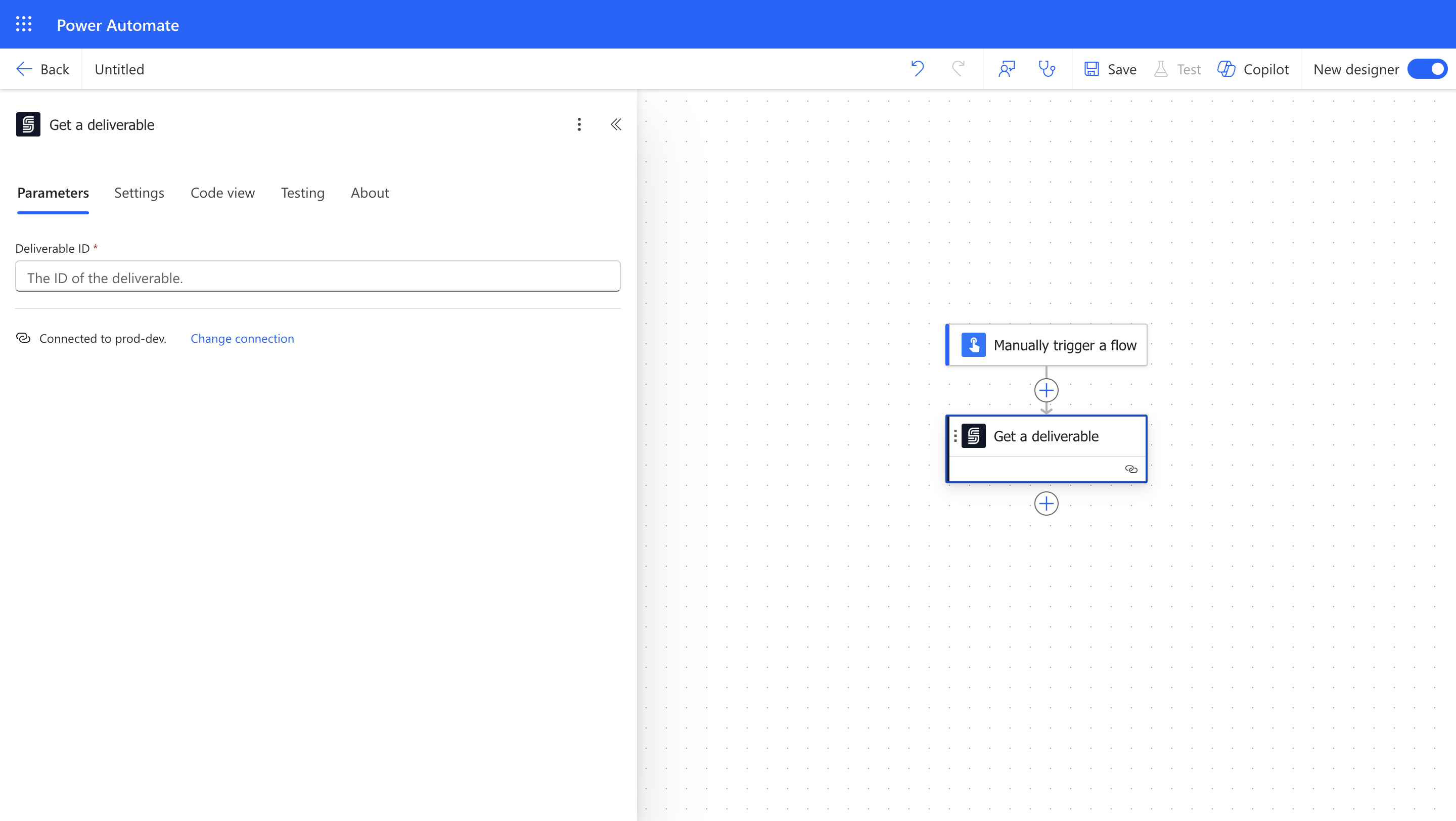 ### Input
The ID of the deliverable.
### Output
The ID of the deliverable.
The type of the deliverable. Currently, the only type is `audit_log`.
The current status of the deliverable.
Available options are `processing`, `generated`, and `failed`.
The file content of the deliverable.
Use this as input in a downstream action to save the signed document.
### Input
The ID of the deliverable.
### Output
The ID of the deliverable.
The type of the deliverable. Currently, the only type is `audit_log`.
The current status of the deliverable.
Available options are `processing`, `generated`, and `failed`.
The file content of the deliverable.
Use this as input in a downstream action to save the signed document.