> ## Documentation Index
> Fetch the complete documentation index at: https://signatureapi-daf4ee54.mintlify.site/llms.txt
> Use this file to discover all available pages before exploring further.
# Add a document: PDF
> Adds a pdf document to an envelope.
Before adding a document, you may have to add [placeholders](/docs/integrations/power-automate/places/place) for each signer.
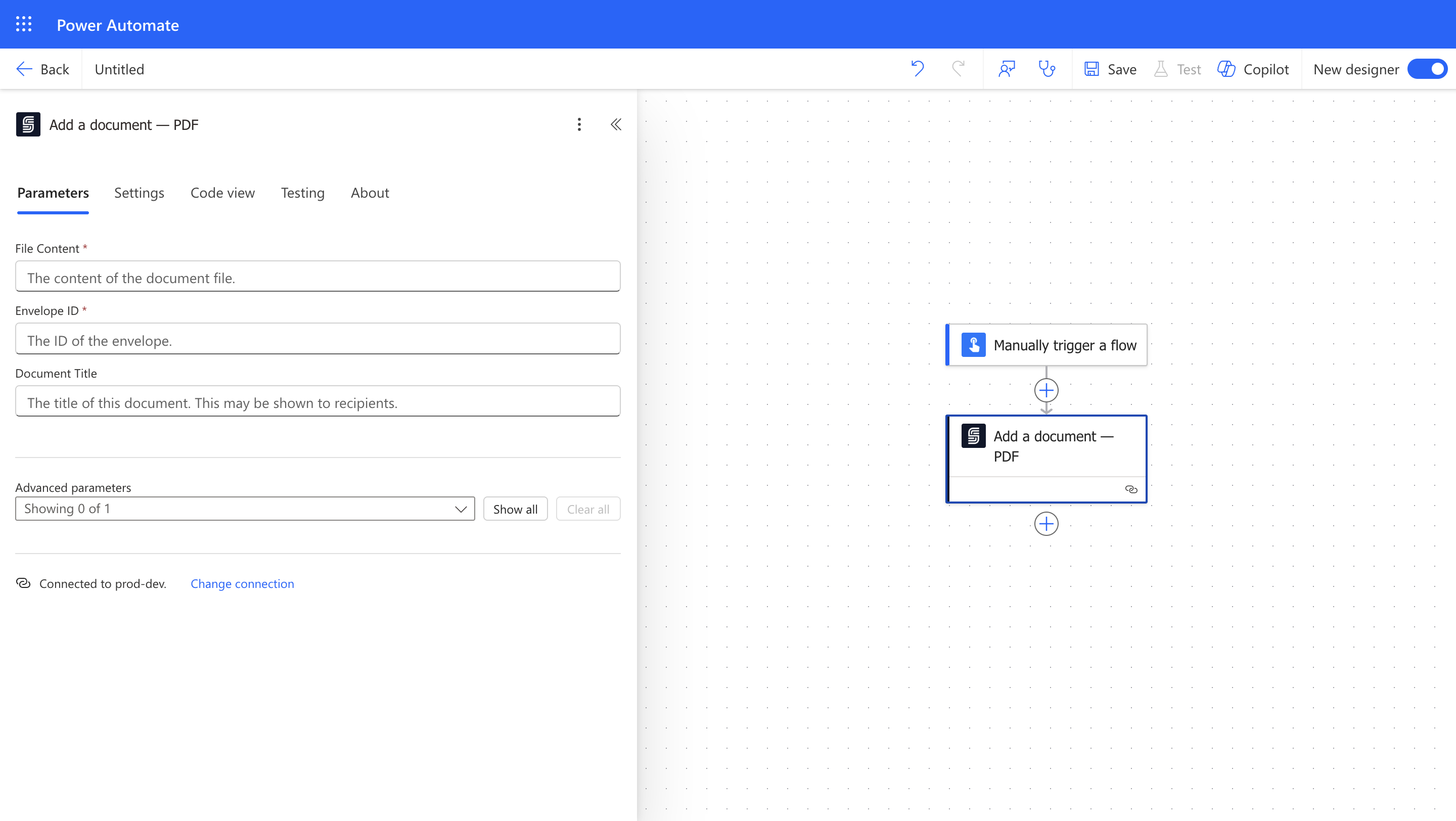 ### Input
The file content of the document. Learn about some common [File Content sources](/docs/integrations/power-automate/documents/sources).
The ID of the envelope to which the document will be added.
The title of the document. It may be shown to recipients.
Extra properties for extensibility.
### Output
The ID of the document.
### Input
The file content of the document. Learn about some common [File Content sources](/docs/integrations/power-automate/documents/sources).
The ID of the envelope to which the document will be added.
The title of the document. It may be shown to recipients.
Extra properties for extensibility.
### Output
The ID of the document.