> ## Documentation Index
> Fetch the complete documentation index at: https://signatureapi-daf4ee54.mintlify.site/llms.txt
> Use this file to discover all available pages before exploring further.
# Introduction
> Embed the signing interface into your application for a seamless user experience
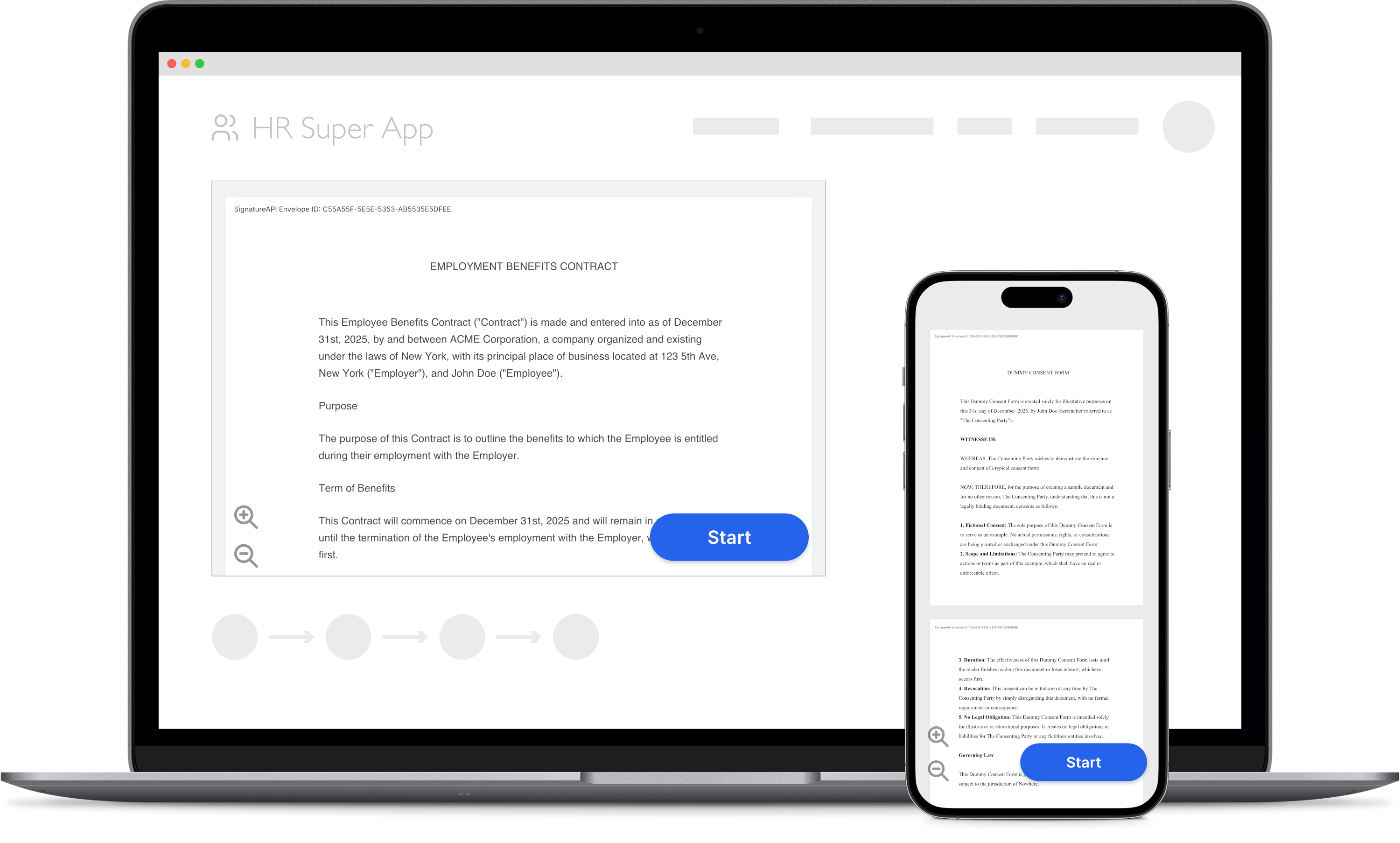 Let your users sign documents directly in your web or mobile app using SignatureAPI's Embedded Signing.
You need both:
* A **server** to create an envelope and get a ceremony URL.
* A **client** to display the ceremony to the recipient.
## Server side
Check [Ceremony URL](/docs/api/resources/ceremonies/ceremony-url) to learn how to get a ceremony URL using your server.
## Client side
Don't use our API directly from the client because API keys can be exposed. If someone gets your API key, they can access all your data in SignatureAPI.
After getting the ceremony URL, you can embed the signing interface directly into your application. You don't need any extra dependencies; just use standard components like **iframes** (for web apps), **WebView** (for Android), or **WKWebView** (for iOS).
Embed the ceremony in a web application using HTML and Javascript.
Embed the ceremony in a React Native app.
We are working on these docs. For help with implementation, click the support icon in the bottom right corner of the page.
Embed the ceremony in an iOS app using Swift.
Embed the ceremony in an Android app using Java.
Embed the ceremony in a Flutter app.
Let your users sign documents directly in your web or mobile app using SignatureAPI's Embedded Signing.
You need both:
* A **server** to create an envelope and get a ceremony URL.
* A **client** to display the ceremony to the recipient.
## Server side
Check [Ceremony URL](/docs/api/resources/ceremonies/ceremony-url) to learn how to get a ceremony URL using your server.
## Client side
Don't use our API directly from the client because API keys can be exposed. If someone gets your API key, they can access all your data in SignatureAPI.
After getting the ceremony URL, you can embed the signing interface directly into your application. You don't need any extra dependencies; just use standard components like **iframes** (for web apps), **WebView** (for Android), or **WKWebView** (for iOS).
Embed the ceremony in a web application using HTML and Javascript.
Embed the ceremony in a React Native app.
We are working on these docs. For help with implementation, click the support icon in the bottom right corner of the page.
Embed the ceremony in an iOS app using Swift.
Embed the ceremony in an Android app using Java.
Embed the ceremony in a Flutter app.