> ## Documentation Index
> Fetch the complete documentation index at: https://signatureapi-daf4ee54.mintlify.site/llms.txt
> Use this file to discover all available pages before exploring further.
# Signature Places (Legacy)
> Add a place where signers can sign in a document
If you're using the API directly, we recommend switching to the new, more flexible [Places](/docs/api/resources/places/object). If you're already using the legacy Signature Places on this page, they will continue to be maintained.
If you're using Power Automate, the legacy Signature Places are currently the only option. [Contact us](https://signatureapi.com/contact) to find out when you can start using the new Places.
Each recipient has a key that identifies them within an envelope. In an employment contract, for example, the keys can be `manager` and `employee`.
SignatureAPI uses placeholders to identify where each signature should go in a document. It uses the recipient's key to find their signing place.
The format of a signature placeholder is like this `[[key.signature]]`, where **key** is the recipient's key.
For example, in an employment contract, the place where the manager signs is marked:
`[[manager.signature]]`
and where the employee signs, is marked:
`[[employee.signature]]`
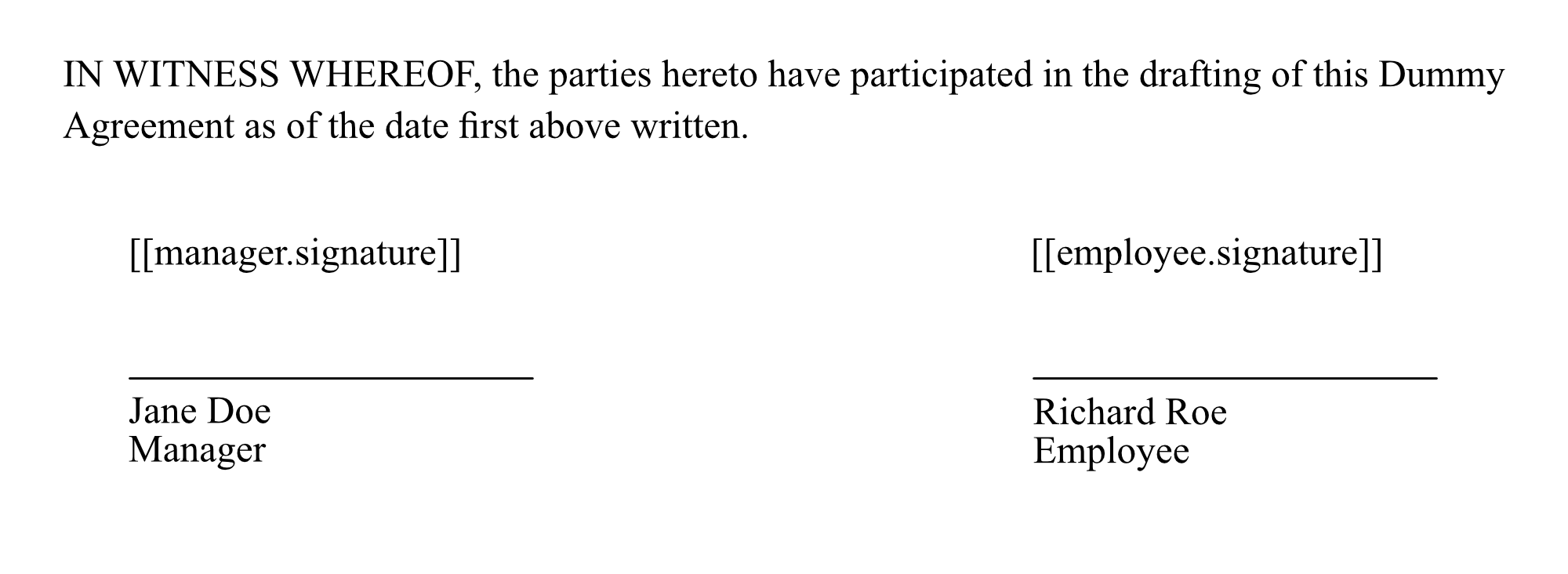
In the document, placeholders will look like this:
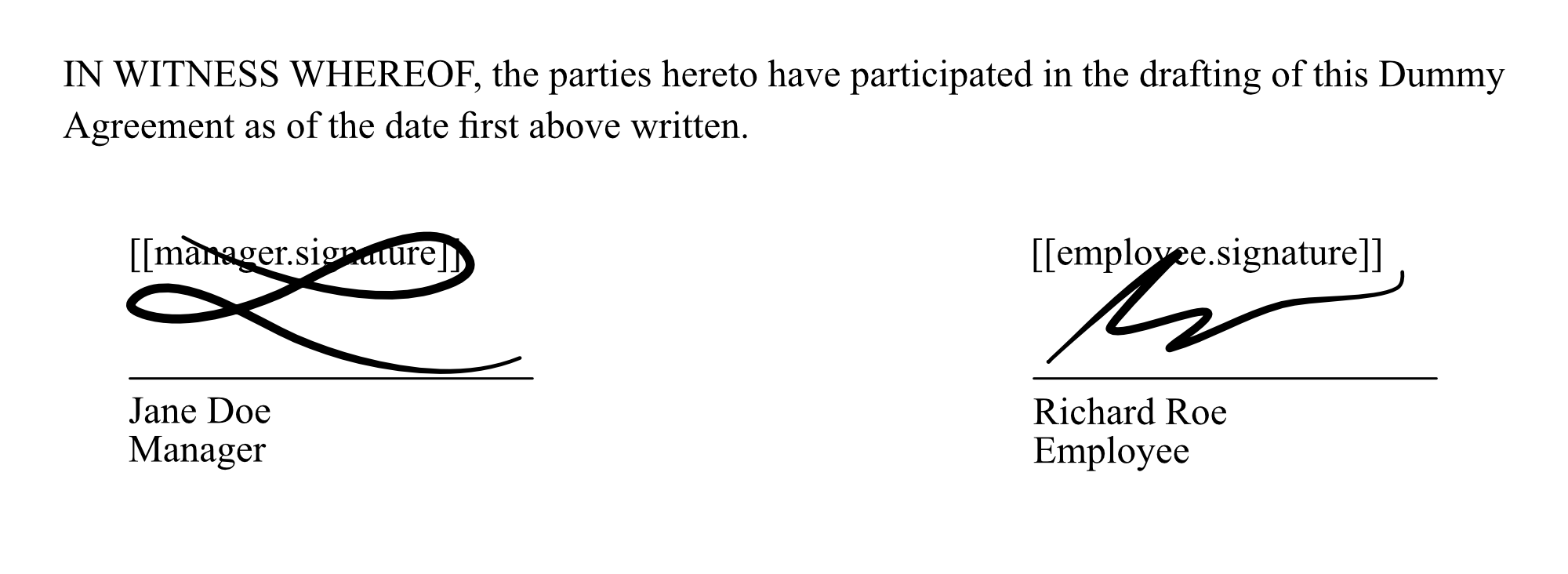
 After signing, the document will look like this:
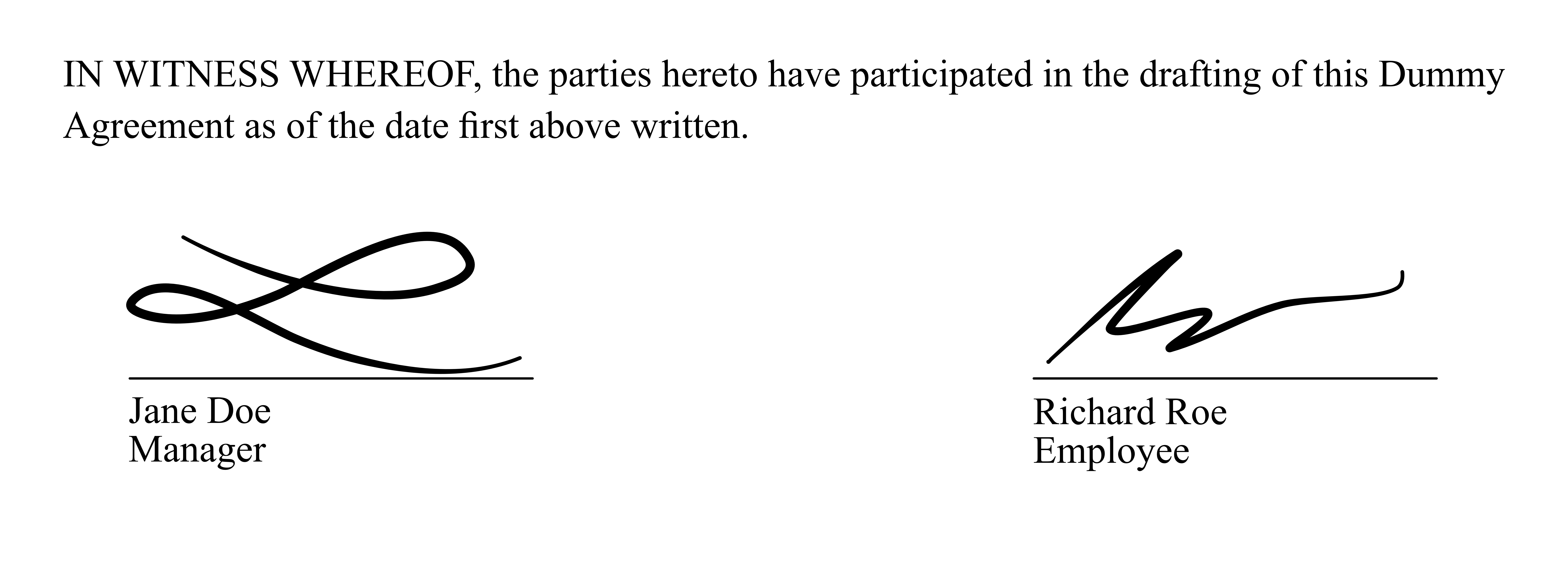
 We recommend changing the placeholder text color to white. This will make the placeholders invisible in the document:
 If you need help with your templates, reach out to support.