> ## Documentation Index
> Fetch the complete documentation index at: https://signatureapi-daf4ee54.mintlify.site/llms.txt
> Use this file to discover all available pages before exploring further.
# Envelope branding
> Add your company logo and accent colors to signing ceremonies and recipient emails
Add your company's branding to individual envelopes to customize the signing ceremony interface and the emails sent to recipients. Each envelope can have its own branding configuration.
Branding applies to:
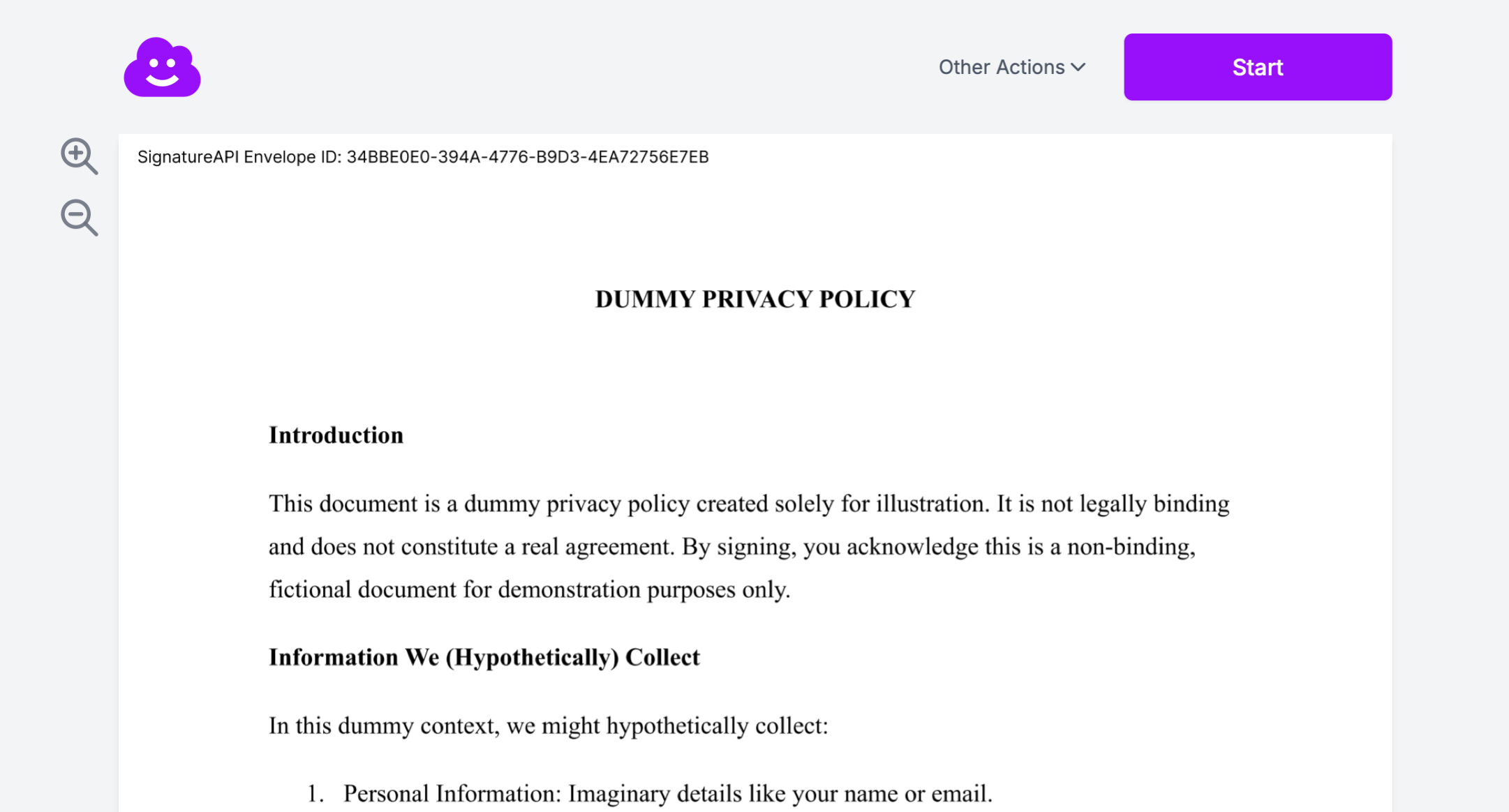
* The signing ceremony interface recipients see.
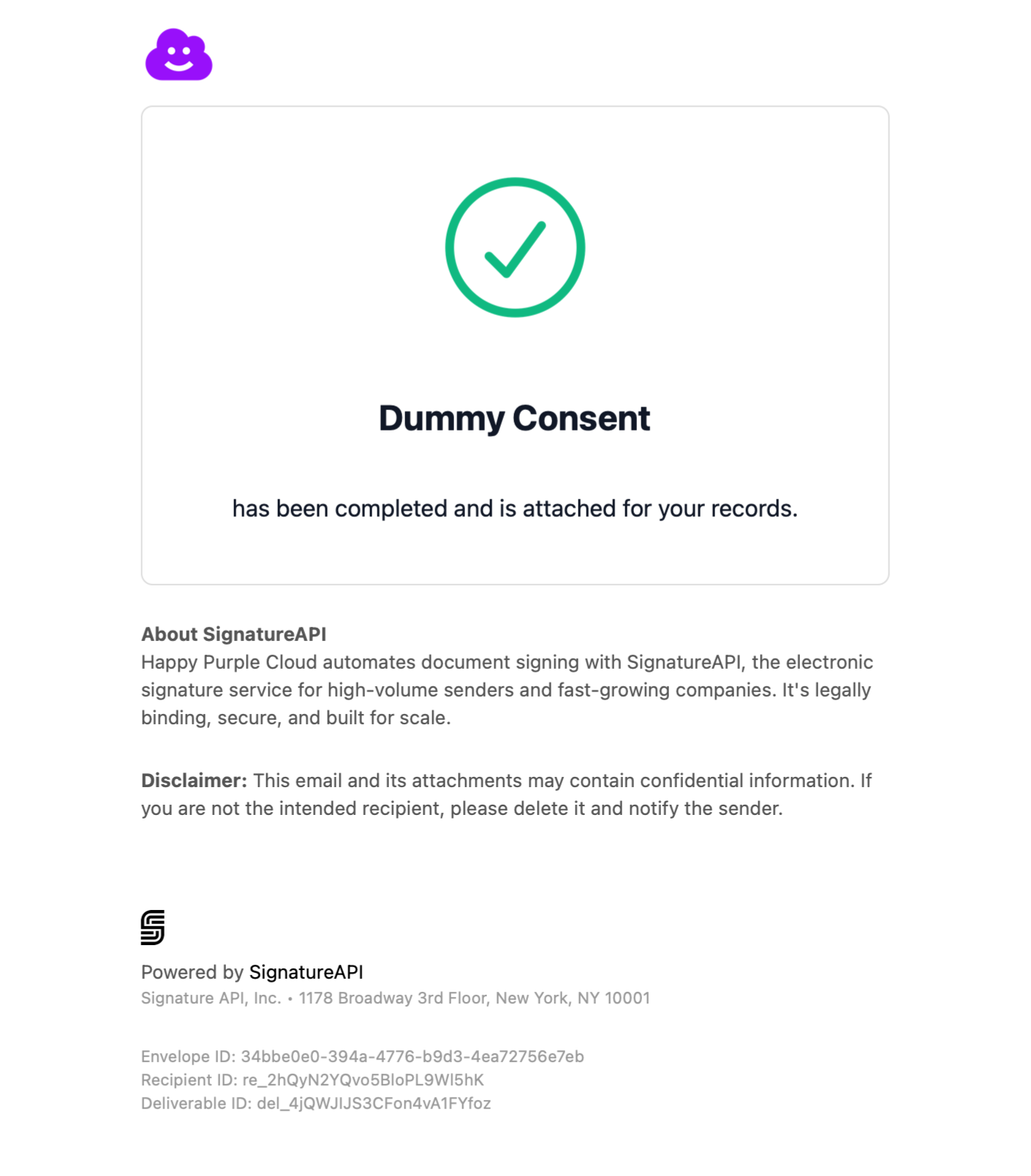
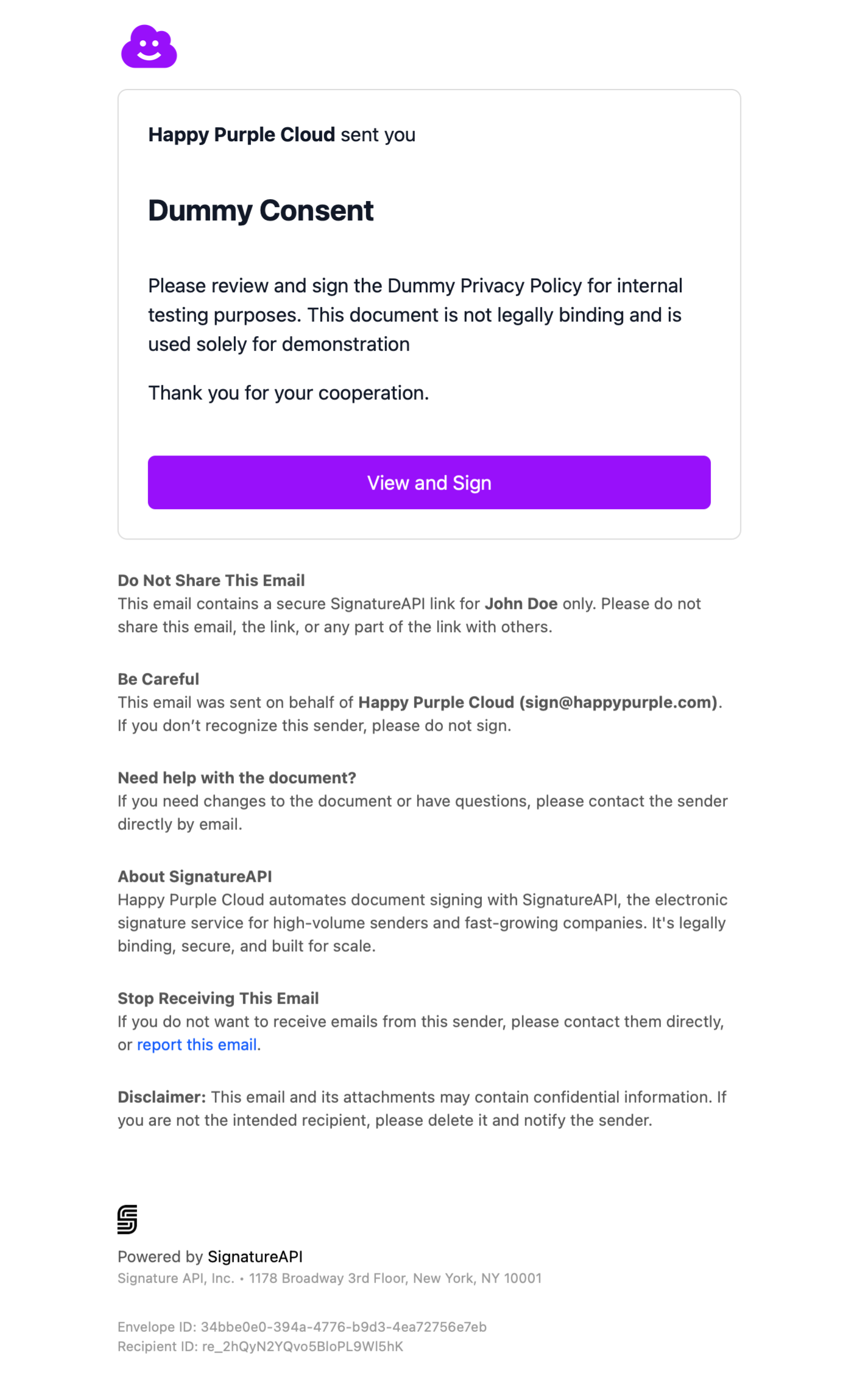
* Emails sent to recipients throughout the signing process (signing requests and completed document delivery).
Branding does not apply to:
* Internal notification emails sent to the account owner.
* Deliverables (signed documents).
See the [Visual examples](#visual-examples) section below for screenshots.
## Adding branding
Include a `branding` object when creating an envelope:
```json theme={null}
// POST https://api.signatureapi.com/v1/envelopes
// X-API-Key: key_test_...
// Content-Type: application/json
{
"title": "Service Agreement",
"documents": [
//...
],
"recipients": [
//...
],
"branding": {
"logo": "https://api.signatureapi.com/v1/uploads/upl_3jBYlxa9gv0fGLzFAnfwxe",
"accent_color": "#9810fa",
"email": {
"footer": "**Disclaimer:** This email and its attachments may contain confidential information. If you are not the intended recipient, please delete it and notify the sender.",
"logo_position": "left"
}
}
}
```
## Accent colors
The `accent_color` property sets the color of buttons in emails and the signing ceremony. Specify the color as a hex code (for example, `#9810fa`).
The accent color applies only to button styles. Other interactive elements such as text input fields, checkboxes, and signature boxes keep their default colors (blue for normal states, red for error states).
### Accessibility requirements
The accent color must meet a contrast ratio of at least 4.5:1 against white, following [WCAG guidelines](https://www.w3.org/TR/WCAG21/). If the color does not meet this requirement, the API returns an error with a suggested compliant alternative.
Test your color's contrast ratio using the [WebAIM Color Contrast Checker](https://webaim.org/resources/contrastchecker/) before submitting.
## Logos
The `logo` property sets the image displayed in the header of emails and the signing ceremony.
### Preparing your logo
1. Upload your logo to the [Dashboard Library](https://dashboard.signatureapi.com/library).
2. Copy the resulting URL (it will look like `https://api.signatureapi.com/v1/uploads/upl_...`).
3. Use that URL in the `logo` property.
Only files uploaded to your account's Library can be used as logos. Direct external URLs are not supported.
### Logo requirements
* **Format:** PNG
* **Height:** At least 160px to avoid pixelation on high-resolution displays
* **File size:** Under 100KB
* **Background:** Transparent works best, as logos appear against both white (emails) and gray (ceremony) backgrounds
## Email customization
Use the `email` object within `branding` for additional email customization.
### Custom footer
The `footer` property adds content at the bottom of all recipient emails, after SignatureAPI's standard footer. Use it for legal disclaimers, privacy notices, or contact information.
The footer supports a subset of Markdown: `**bold**`, `*italic*`, and `\n\n` for paragraph breaks.
### Logo position
The `logo_position` property controls the horizontal alignment of the logo in email headers. Accepted values are `left`, `center`, and `right`. The default is `left`.
## Visual examples
The following screenshots show branding applied to a purple (`#9810fa`) envelope with a left-positioned logo.
### Signature request email
 ### Signing ceremony interface
 ### Completed document delivery email